
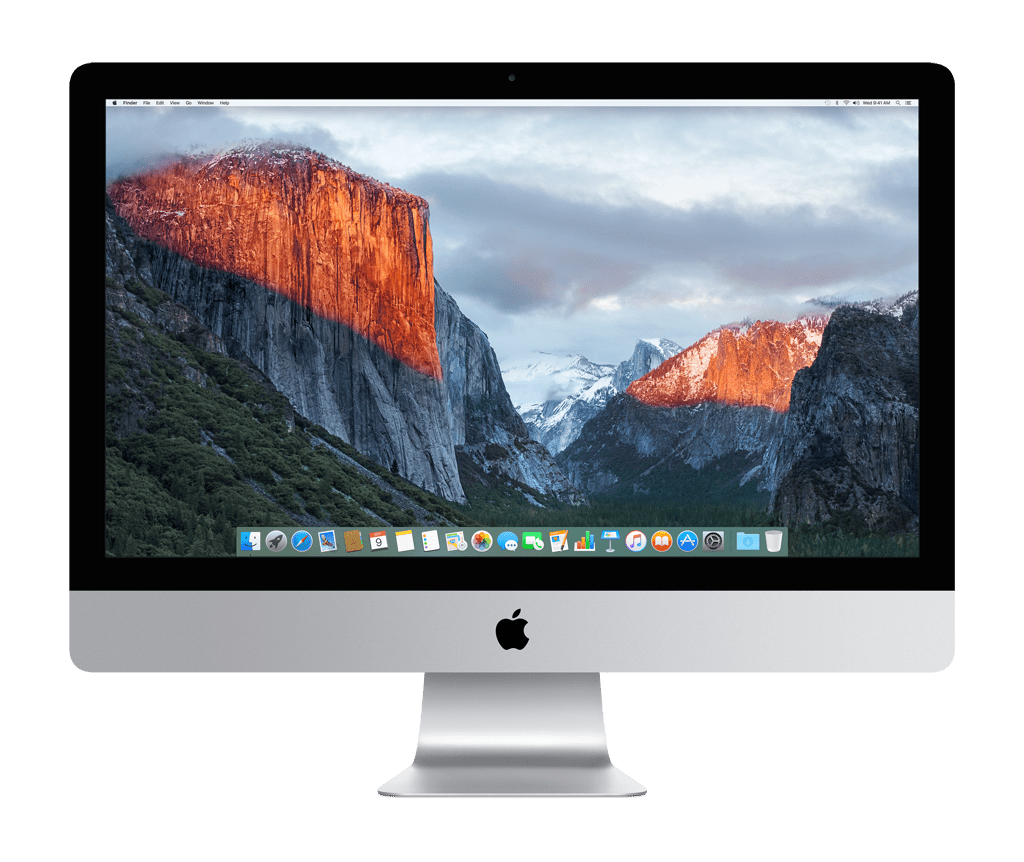
bought a 27” iMac in 2010. This was pre-Thunderbolt, and at that time, the 27” model had something called Target Display Mode which allowed it to be used as a monitor for another computer. This made it easy to work from home and was a primary enabler for my 2014 gaming PC purchase. It worked great – the display was bright, large, and high resolution (1440p was pretty high res back then). I used this setup during the first year of COVID until it was just too much and my iMac’s display ceased to work. I was able to recover my data from it, but my days of display sharing were over.
After my iMac’s demise, I switched to the work monitor I took home as a backup. It was a rather nice display for the time – an HP z27s with a 27” screen, 4K resolution, and 10-bit color. It supported multiple inputs and I could share it between my PC, home Mac, and work Mac. Assuming the monitor would have to go back when I eventually returned to the office, I started keeping an eye out for my next monitor. It turned out that I didn’t need to return it, but I knew I’d replace it eventually.
The HP was a good monitor, but there were a few improvements I was looking for. I needed something larger – at 27” I couldn’t comfortably run it at full 4K resolution because things were just too small. It also wasn’t as bright as I’d like and didn’t quite match the color of my MacBook screen. I looked at LG’s UltraFine 4K and 5K displays, but they didn’t meet my needs. They were bright and accurate but expensive ($700 and $1,300) and limited in connectivity (USB-C only). The sizes were also odd, with the 4K model only being a 21.5” display and the 27” model being 5K instead of 4K, which added unnecessary stress to my graphics card. I found a couple of less expensive 4K 27” LG displays with better connectivity but lower brightness.
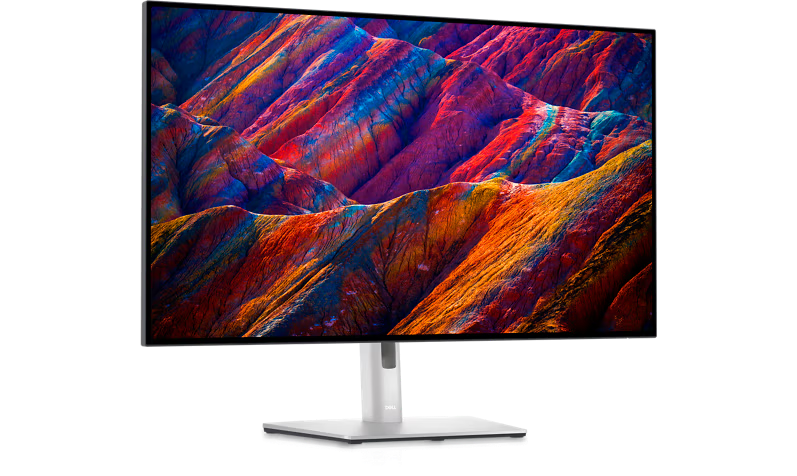
In 2022, Dell introduced the first IPS Black displays which provided a brighter image, better color accuracy, and higher contrast than my current monitor. They came in a 32 inch size, but it was expensive at $1150. I’ve been waiting for prices to fall, but they haven’t dropped much below $900 and I haven’t found any refurbished. I started looking again during Black Friday season and ended up resetting my expectations. I wanted a monitor that could serve two purposes: high resolution and bright for photo editing while also supporting higher refresh rates for gaming. The Dell IPS Black displays are great for photo editing but they have a standard 60 Hz refresh rate. Gaming monitors have much higher refresh rates that can reduce screen tearing while improving responsiveness and smoothness. It turns out that there are few displays that can handle both scenarios for a reasonable price.
I was lucky to find one that’s a reasonable compromise and find it on sale. That monitor is the eloquently named LG 32GR93U-B.
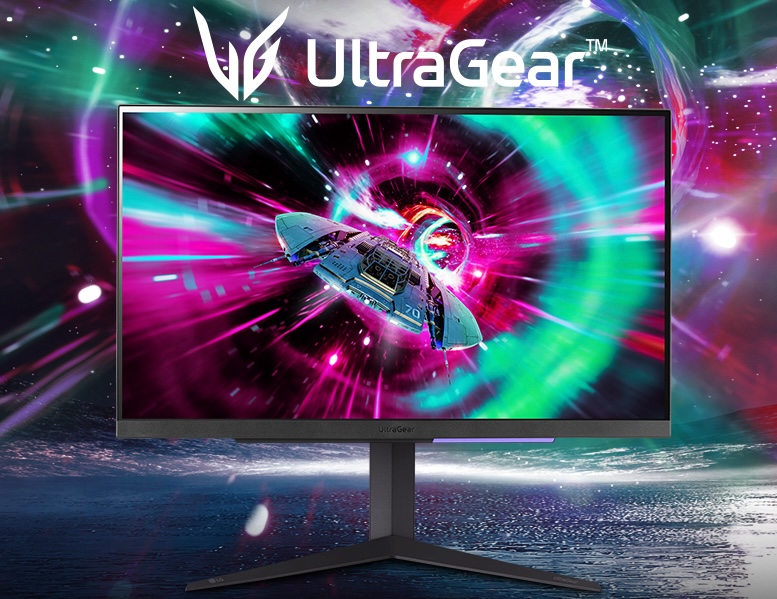
The LG is a 32” 4K display that supports frame rates up to 144 Hz. It can’t quite match the Dell in color handling, but it’s just as bright and bests my HP in both areas. It doesn’t have the same contrast as the Dell or higher-end gaming monitors, but it matches the majority of IPS monitors on the market today, including Apple’s $1,500 Studio Display. I compared a bunch of displays from LG, MSI, Samsung, and Dell; the LG was the one with the best balance of color accuracy, response time, and input latency (especially when games run closer to 60 fps). It’s normally an $800 monitor but I got it on sale for 31% off at $550. That’s a really good price for a 32” 4K display with high refresh rates! Contrast was the largest compromise here – it isn’t as good as the Dell, but it’s not any worse than what I already had. I don’t do a lot of editing or gaming in dark rooms enough for it to matter.
I bought it on Amazon, and in typical fashion, it arrived at my house two days later, before Thanksgiving and before my new gaming PC. I had to make some adjustments to my desk layout, but it fits well and looks at home. It’s definitely brighter and the colors look better than the HP. I tried full 4K resolution, but I still can’t quite handle it. I’m using one step down, which still fits more on the screen than I could before.
Getting a monitor that supports high refresh rates is one thing, getting those refresh rates, especially at 4K, is another. In order for it to work, you need a GPU that can support it, ports at the correct version that can support it, cables that can support it, and docks (if you use them) that support it too. My MacBook can run 4K at 95 Hz through my Belkin Thunderbolt 3 Express dock from 2017, which is better than I expected, but not the full 120 or 144 Hz. Things do look a bit smoother, just not as smooth as my MacBook. My new PC fully supports 144 Hz and can vary it to match the frame rate of my games. The difference is very noticeable and the lack of tearing is simply amazing.
I’m very happy I found this monitor and even happier that I found it on sale. If you’re looking for a compromise between resolution, refresh rate, color, size, and even price, I definitely recommend.
 Relatively Ambitious
2 Replies to “My New Monitor”