
Auto Capture is a feature for the Nikon Z9 and Z8 that allows the camera to automatically capture photos based on a criteria. You can setup your camera on a tripod and configure it to take a series of photos that are triggered when movement is detected in certain areas of the frame, certain types of subjects are detected, or changes are detected at a certain distance. The feature was released for the Z9 last year and made its way to the Z8 in February. Now that the weather has warmed up I finally gave it a try. The results were quite surprising.

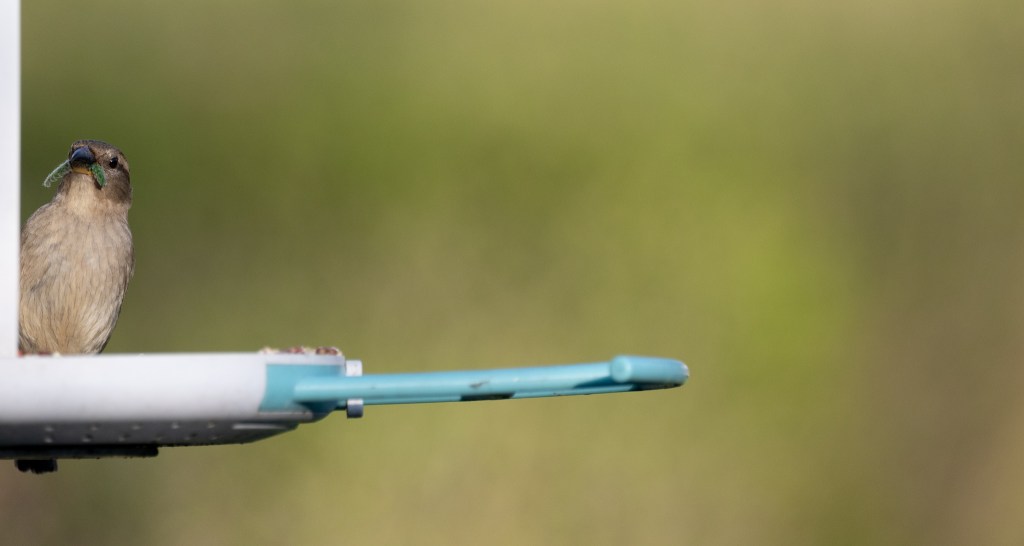
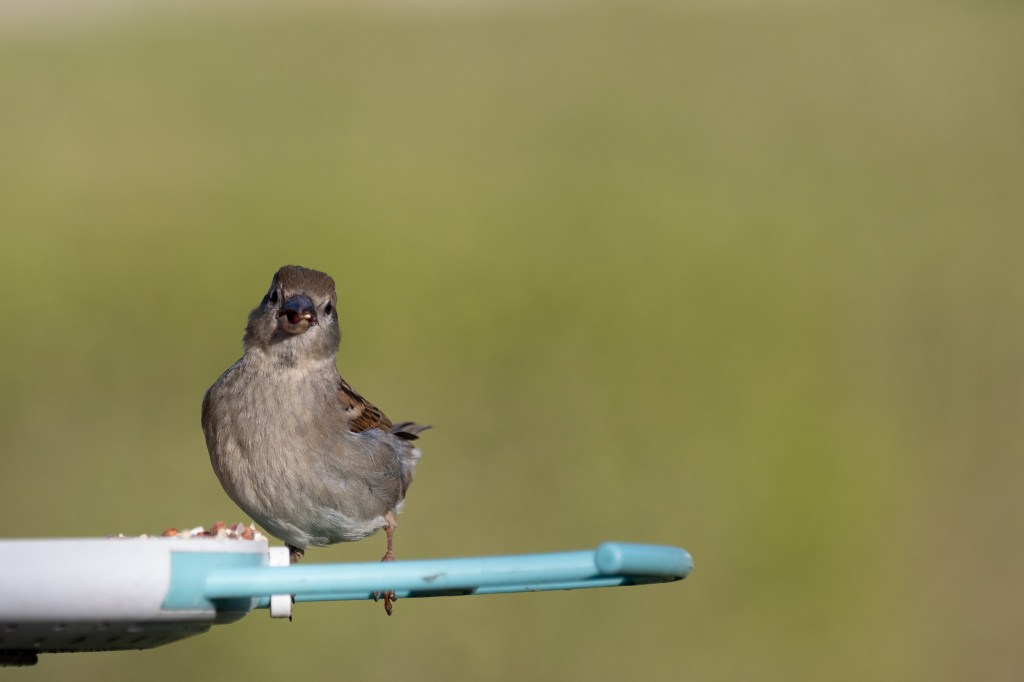


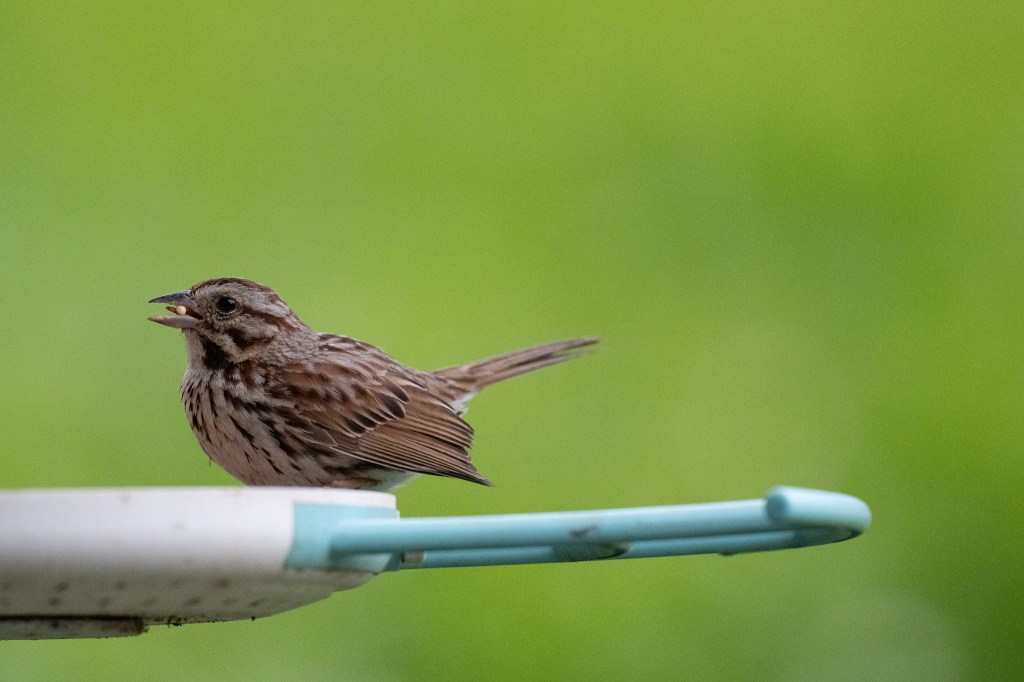
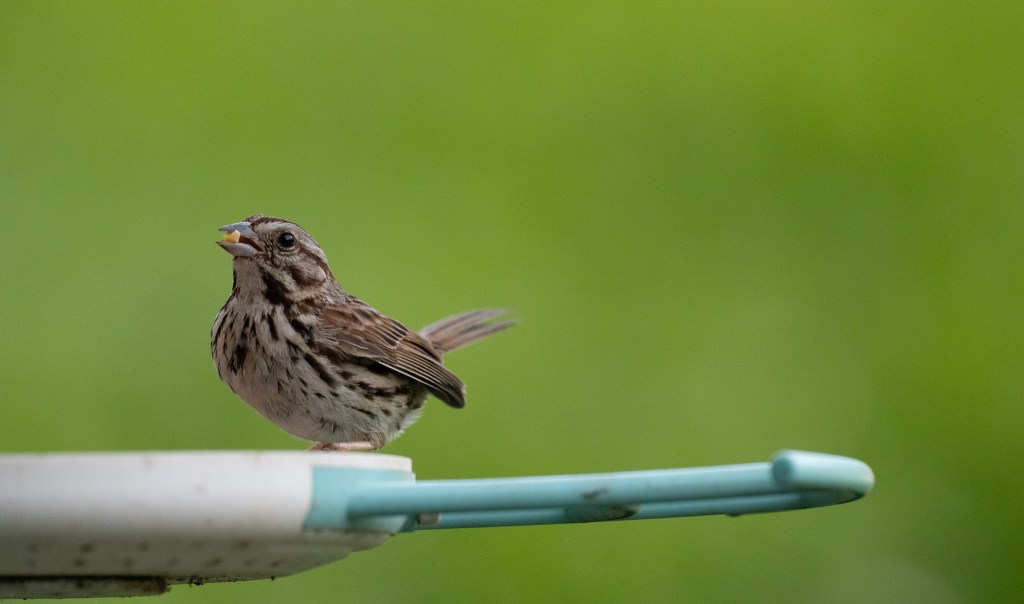
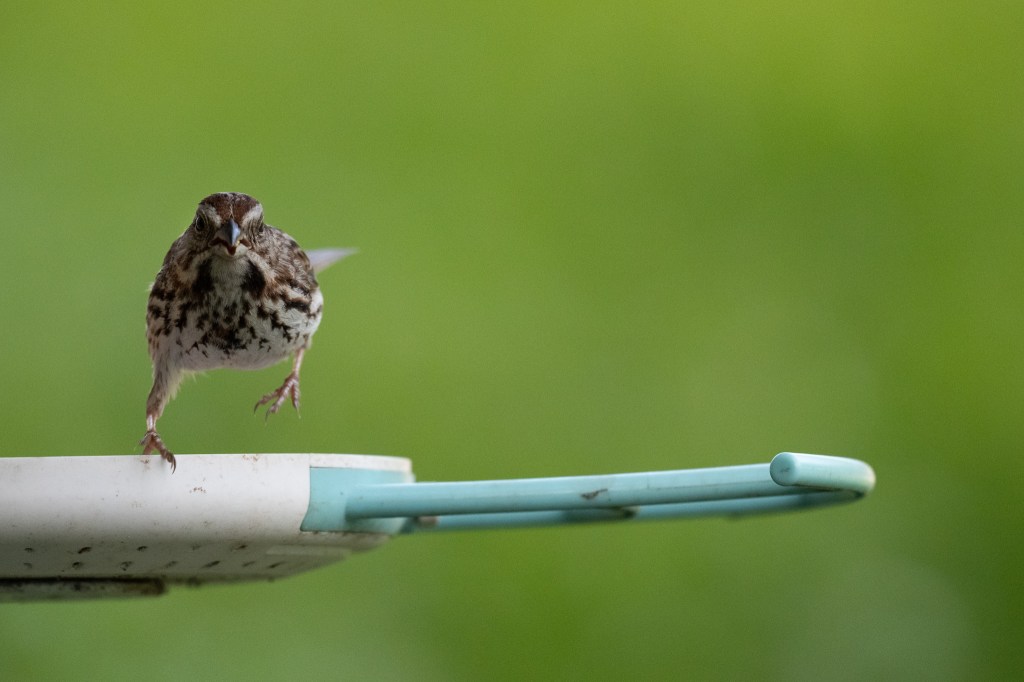
It’s a little confusing to set up, so I used Thom Hogan’s Z8 book to guide myself through the settings. I set it to trigger when it detected animals in one of my custom focus areas, to shoot at 20 fps for 1 second, wait 1 second, and start again. I set it up on a tripod with my Sigma 150 – 600mm lens zoomed to about 400mm to frame our video bird feeder and set the camera to crop mode. I used Nikon’s High Efficiency Star format to fit more images on my 325 GB CF Express card while maintaining editing flexibility. I didn’t do any calculations to determine how many photos I’d get or how long it could shoot for.
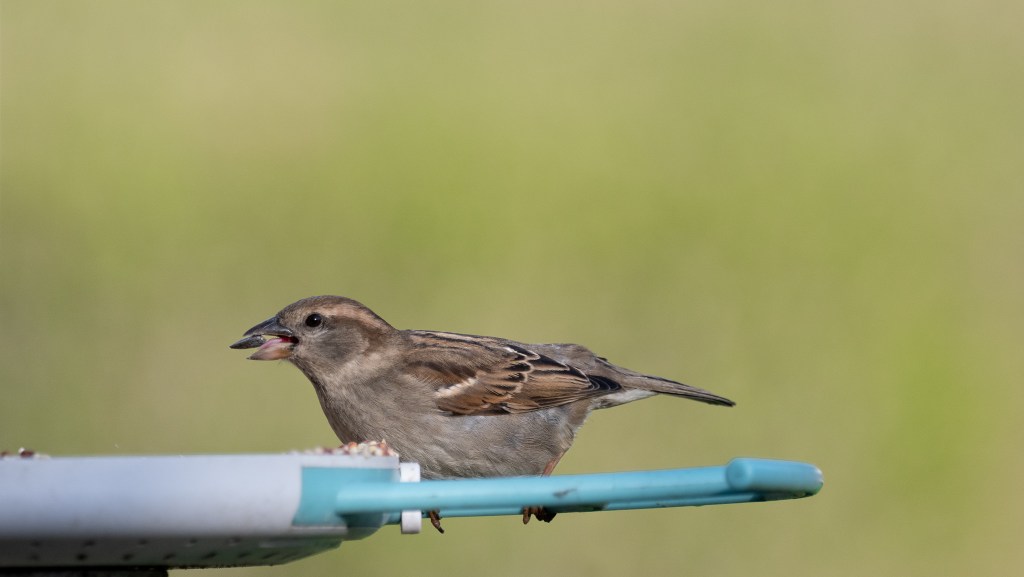
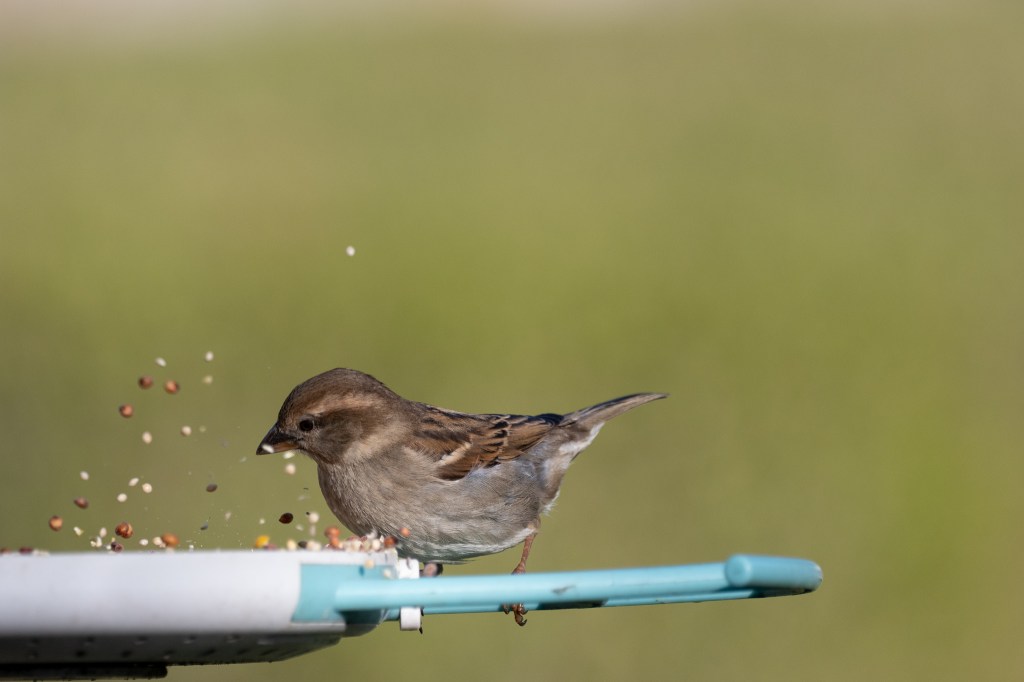
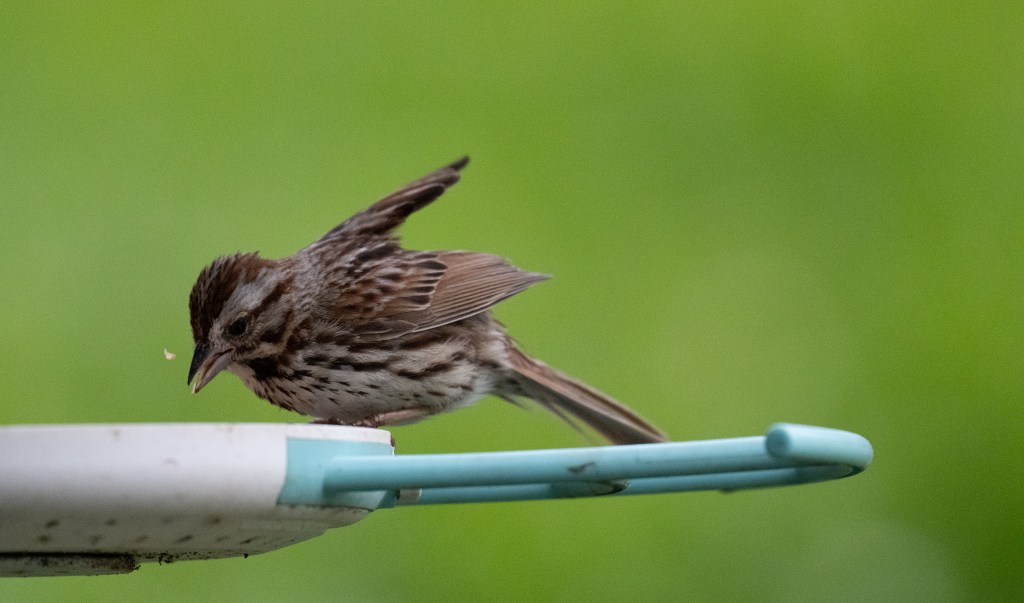
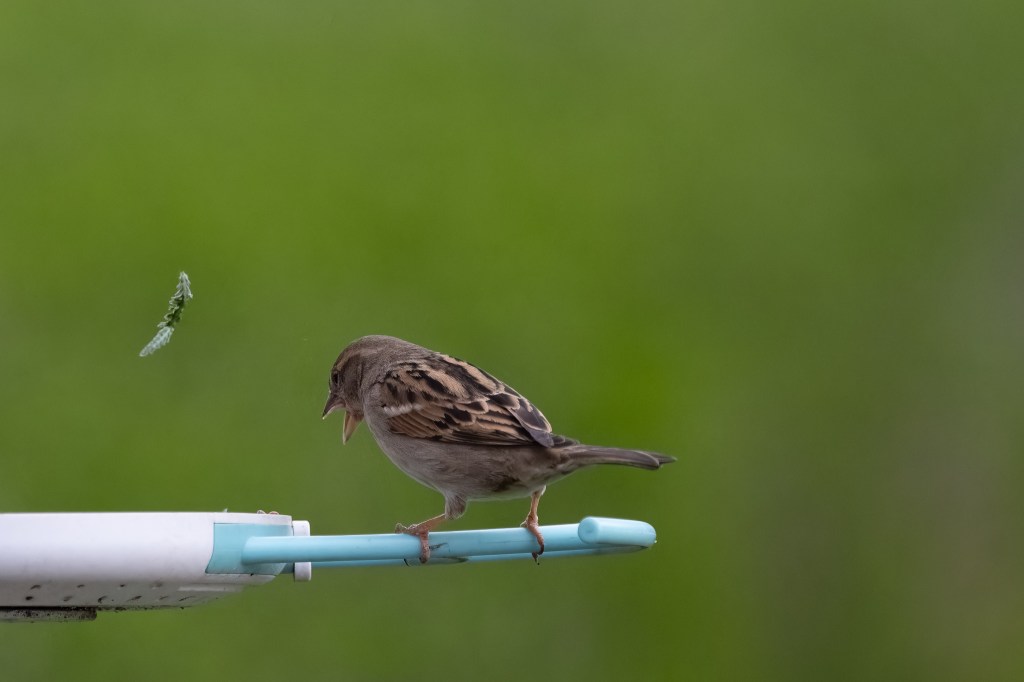
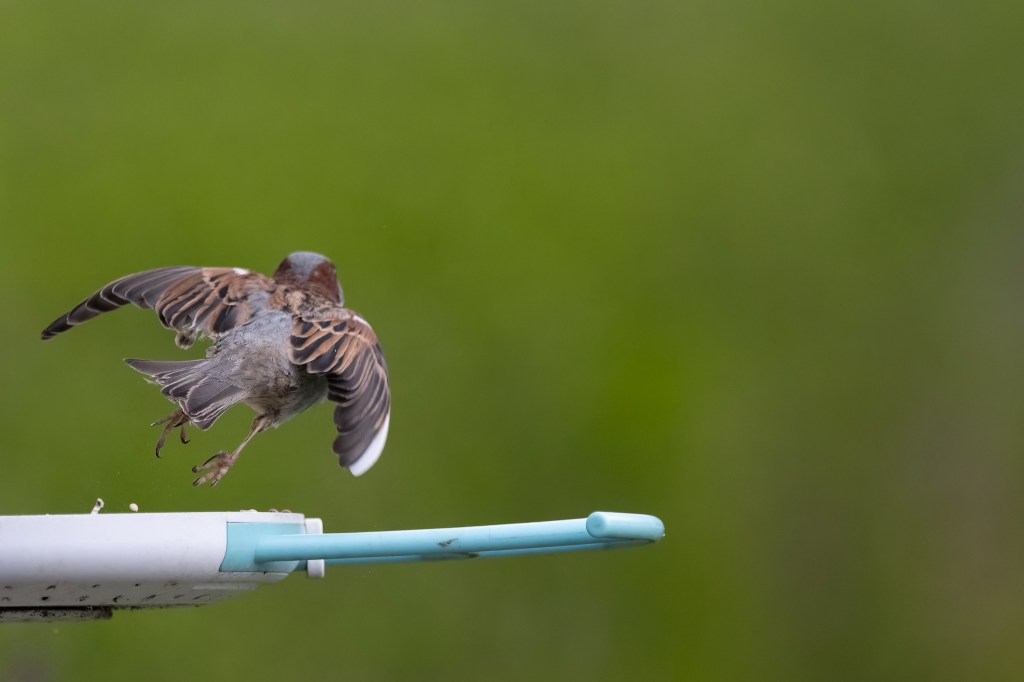
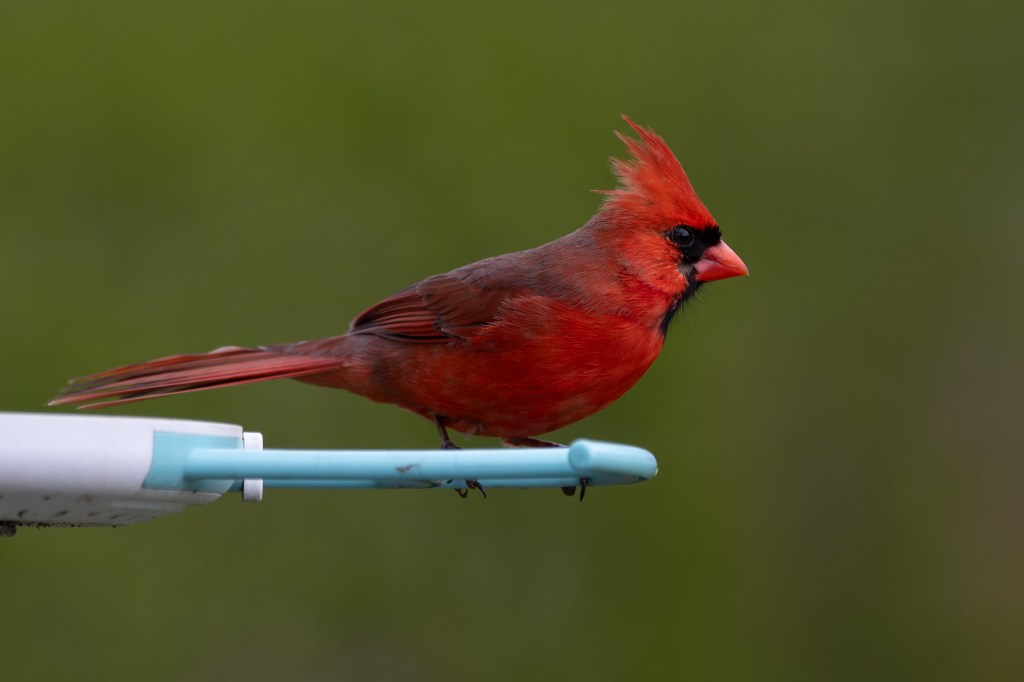
I plugged my Z8 into an external battery, weighed down the tripod, and let it go. This was at about 5 PM. I left it outside for a couple hours while I ate dinner, peeking at the notifications on my phone from the bird feeder each time a bird appeared, excited to see how the images would come out. I even saw a beautiful red male Cardinal that I can never seem to catch. At 6:30 I checked on the camera and noticed that auto capture mode had ended. Assuming there was some timeout I hadn’t configured, I restarted it and went back inside. At 7:00 I came back and cleaned everything up, quickly scrolling through my images and seeing all kinds of birds. I also noticed that my memory card was full, but went on my happy way.
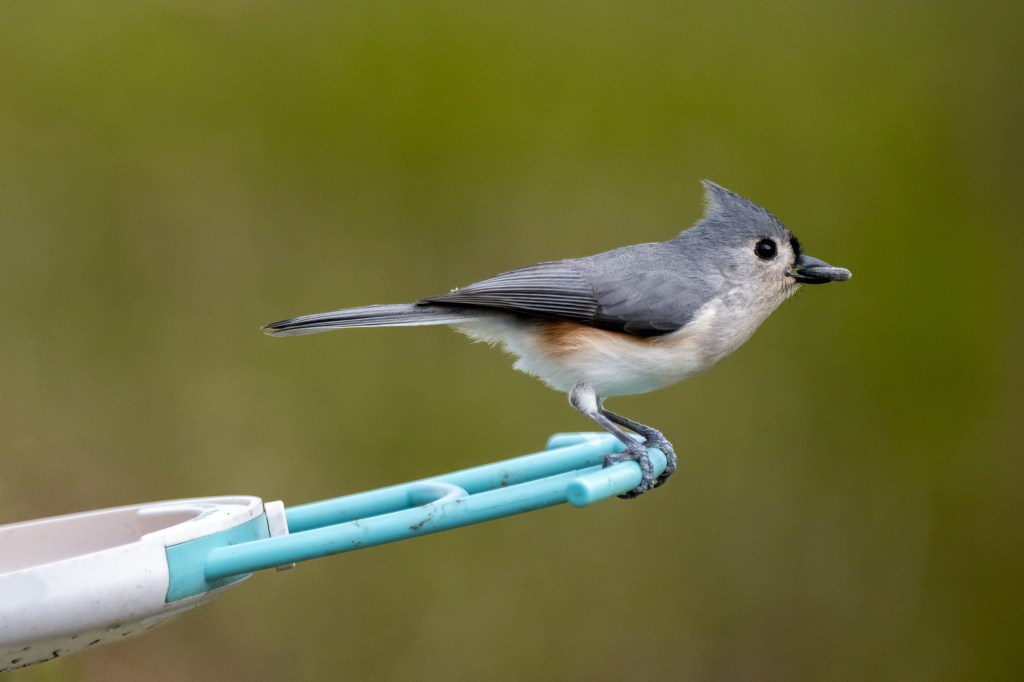

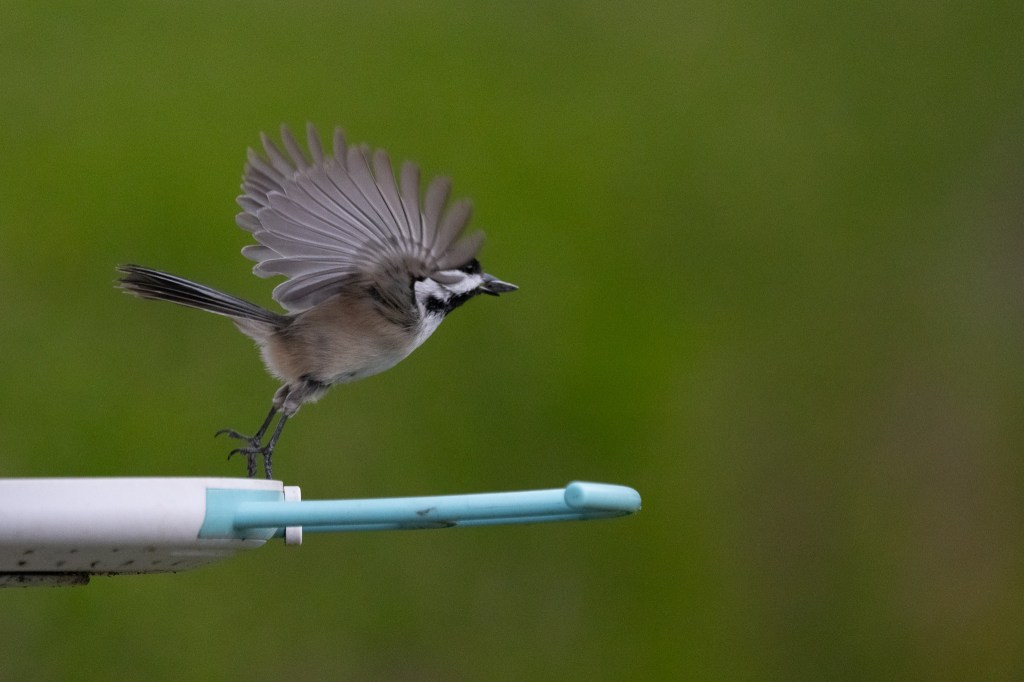

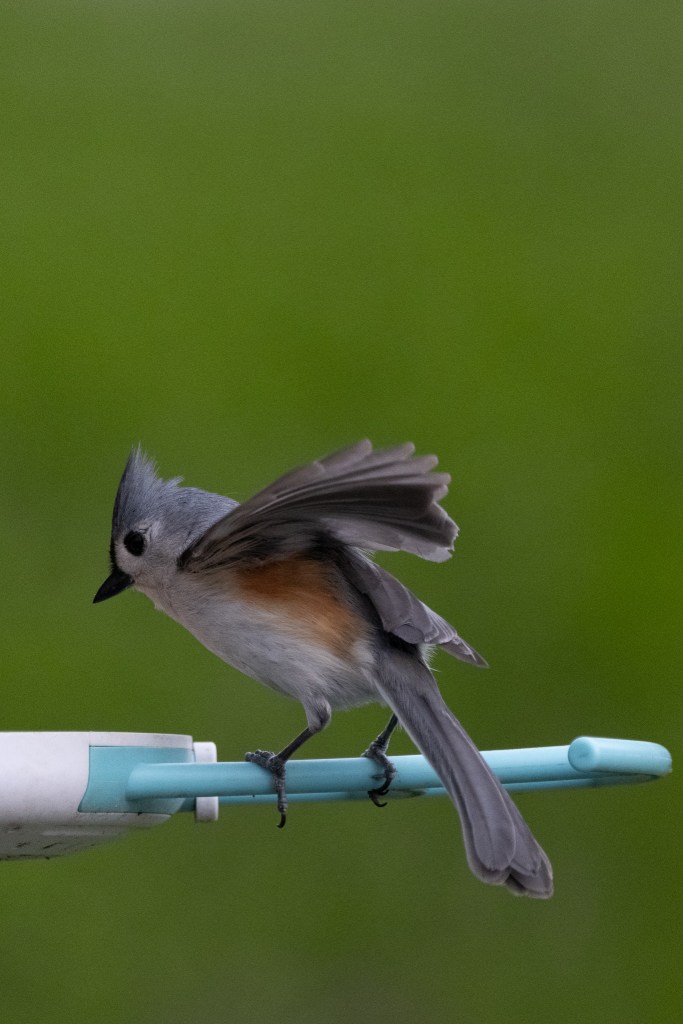
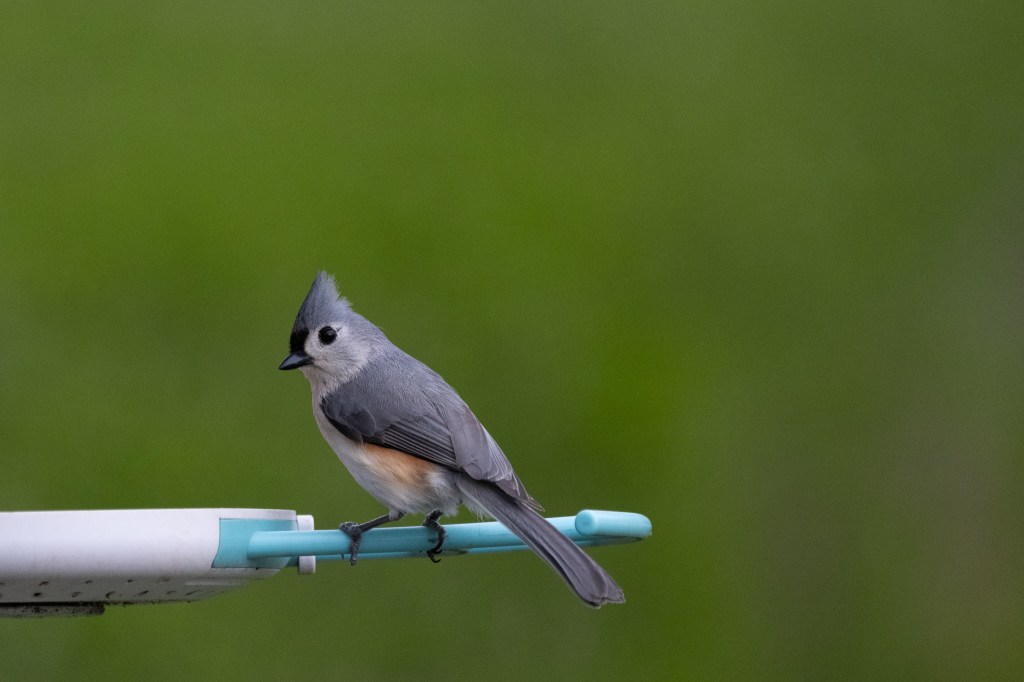

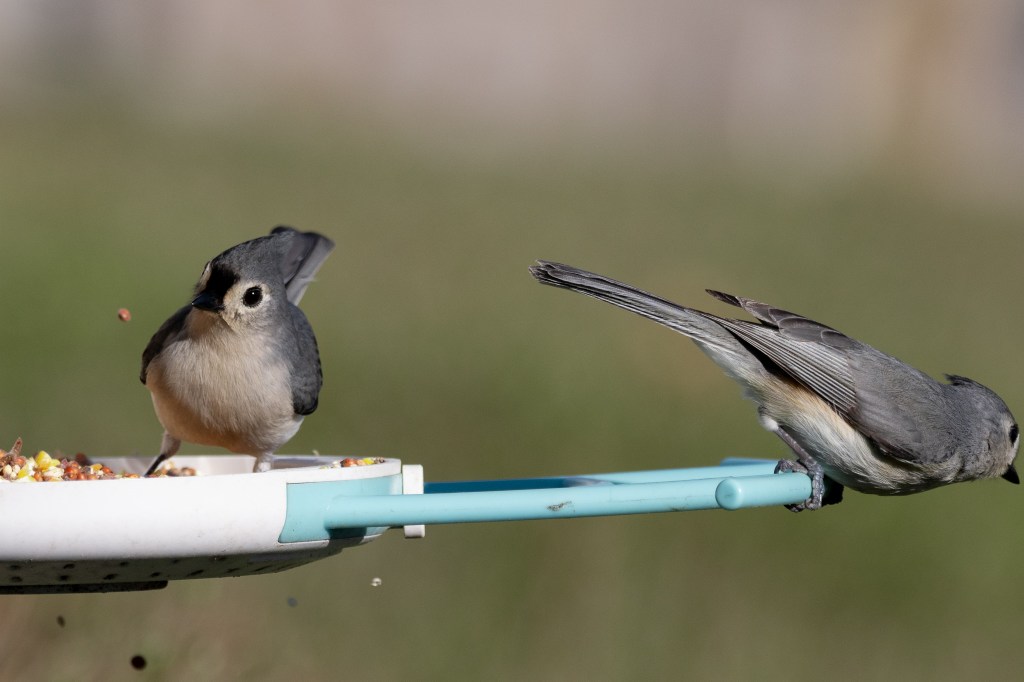
When I got inside I loaded the photos onto my Mac and realized what had happened. After leaving the import running for a while I came back to a low disk space message and a frozen instance of Lightroom. I saw that my last import contained over seventeen thousand photos. After clearing some space I started digging in and realized that the camera had only taken images for about an hour before my 325 GB card was full, which explained why Auto Capture had stopped when I checked on it earlier. After spending several hours scrolling through 17.5k images I realized that 90% of those images were for the same bird that apparently never wanted to stop eating. Sometimes there was another bird with it and sometimes there was a different bird, but most of them were the same, or the same looking, bird enjoying an all-you-can-eat buffet.
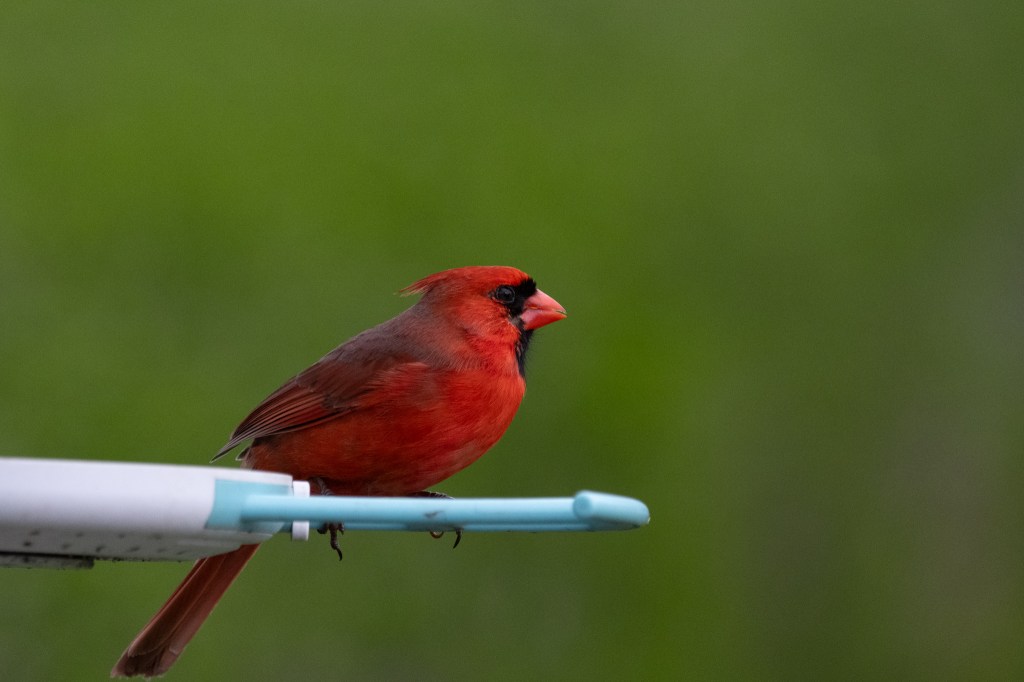
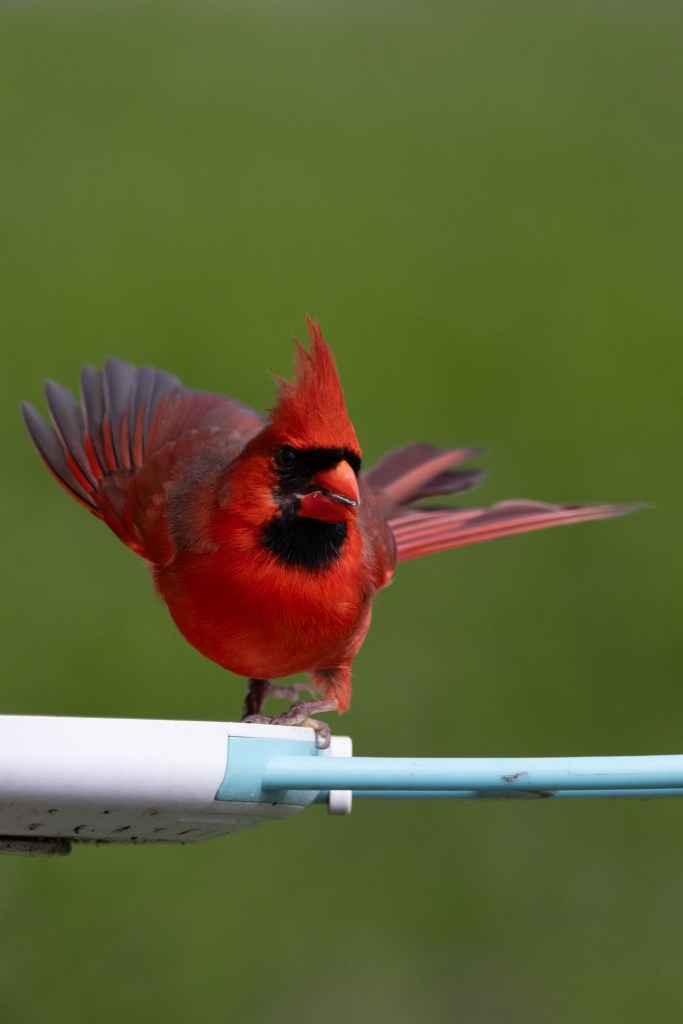
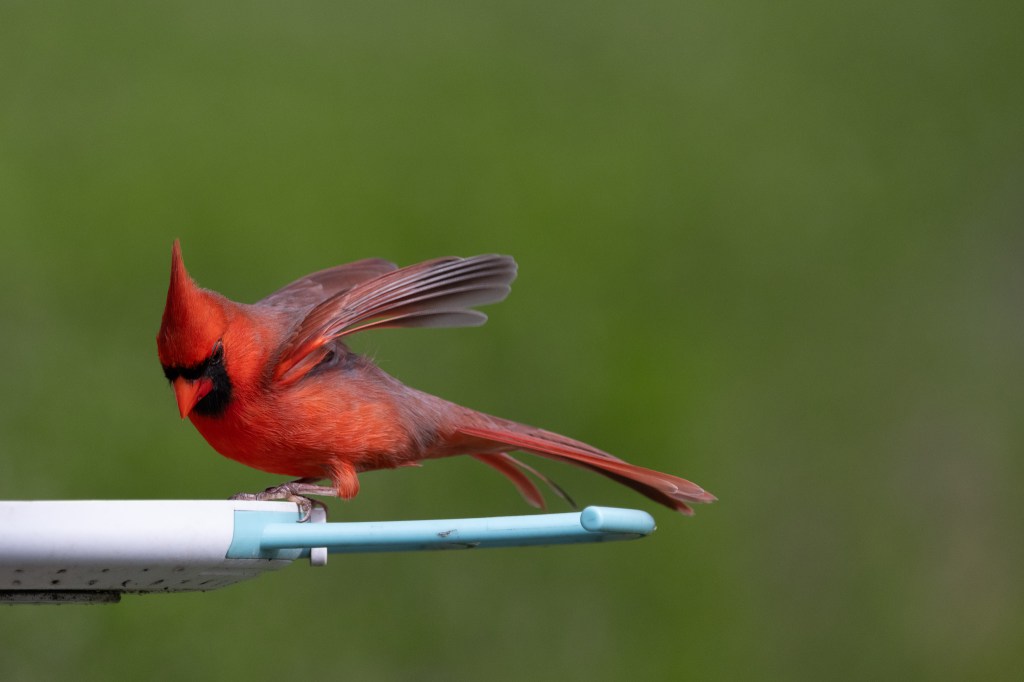
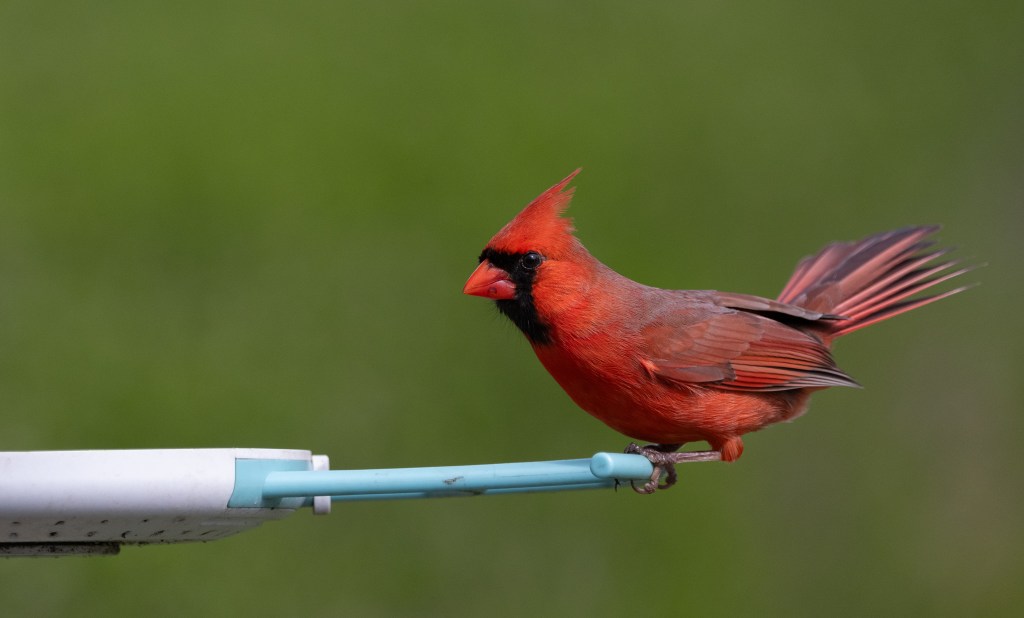
So what did I learn? First, birds spend a lot more time at that bird feeder than I thought they did. Second, I need to better estimate how quickly the card will fill up based on the settings I’m using. Third, if I’m going to take 325 GB of images, I don’t want to load them onto my Mac – I should use an external SSD instead. I adjusted the Auto Capture parameters to take 3 seconds of images and wait for 10 seconds before starting again and leveraged an external SSD the second time. I still ended up with thousands of images, but over a longer period of time and without eating up all the free space on my Mac.
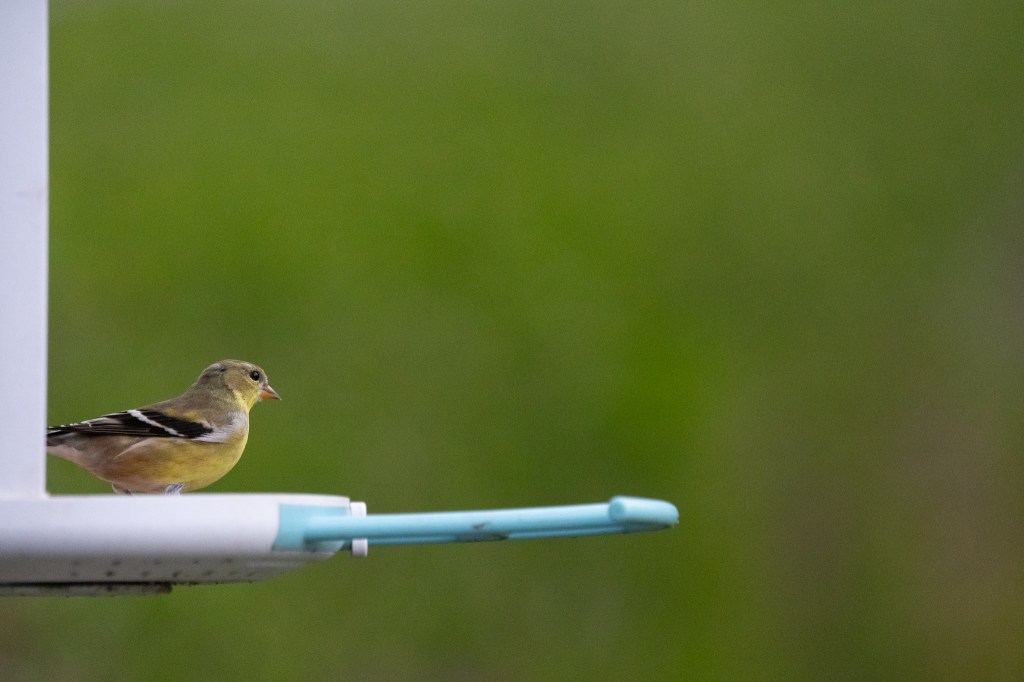
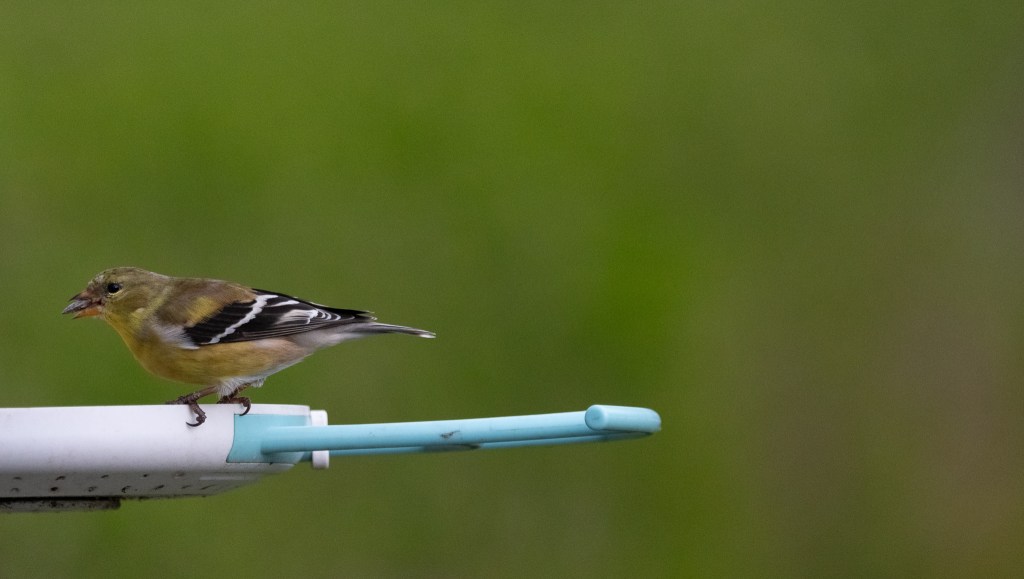
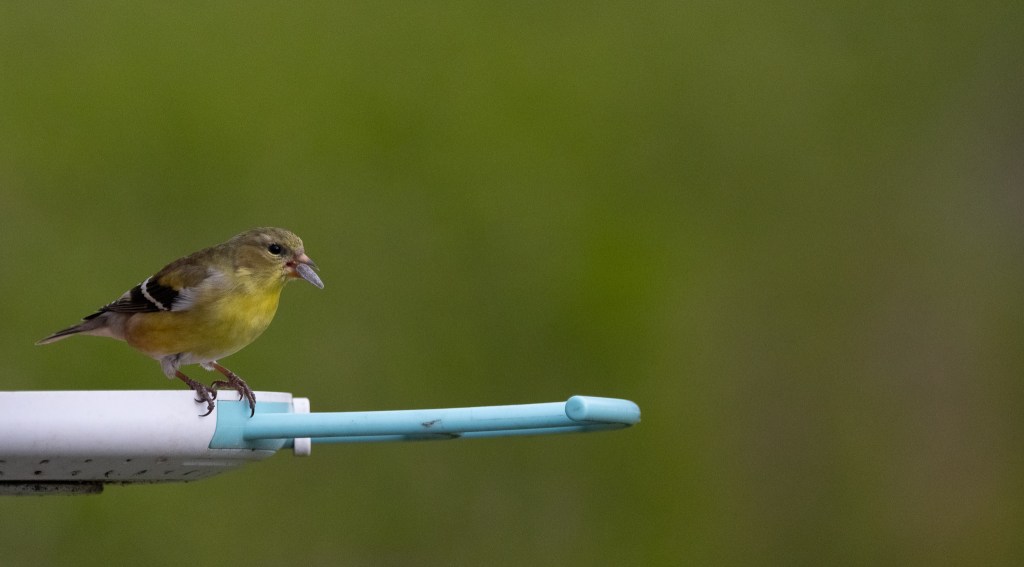

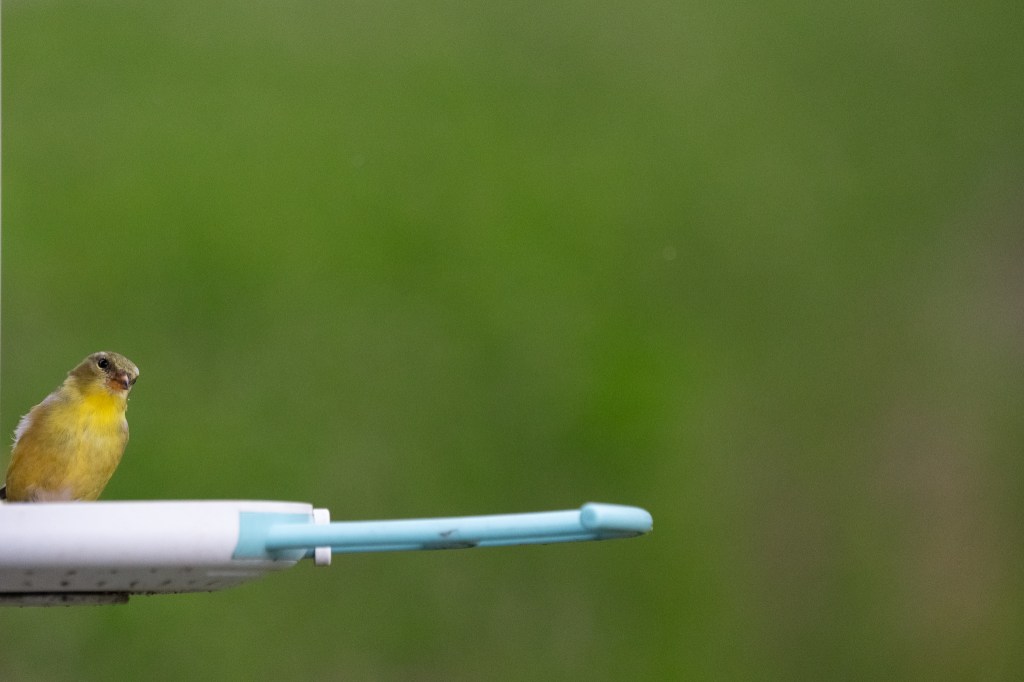
In total I’ve “auto captured” about five times and I’m really satisfied with the images. The birds are far more comfortable with a camera sitting there when I’m not attached to it. I’ve captured images of the elusive male Cardinal, a tiny American Goldfinch, birds throwing seed around, and even some fights that would be challenging to get otherwise. The images are sharp, high-resolution, and positioned so they have smooth backgrounds. I’m very happy so far.
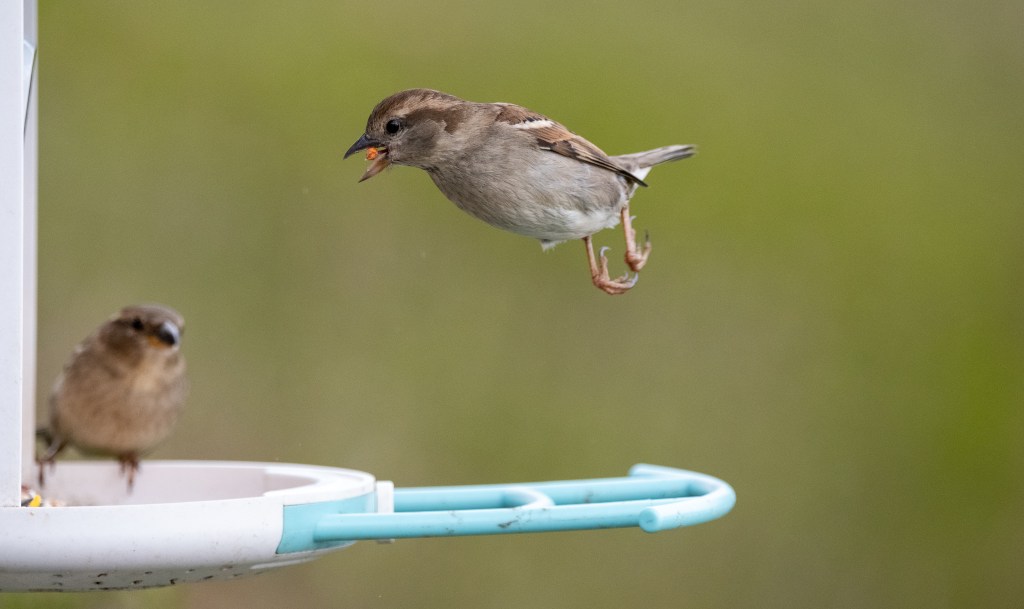


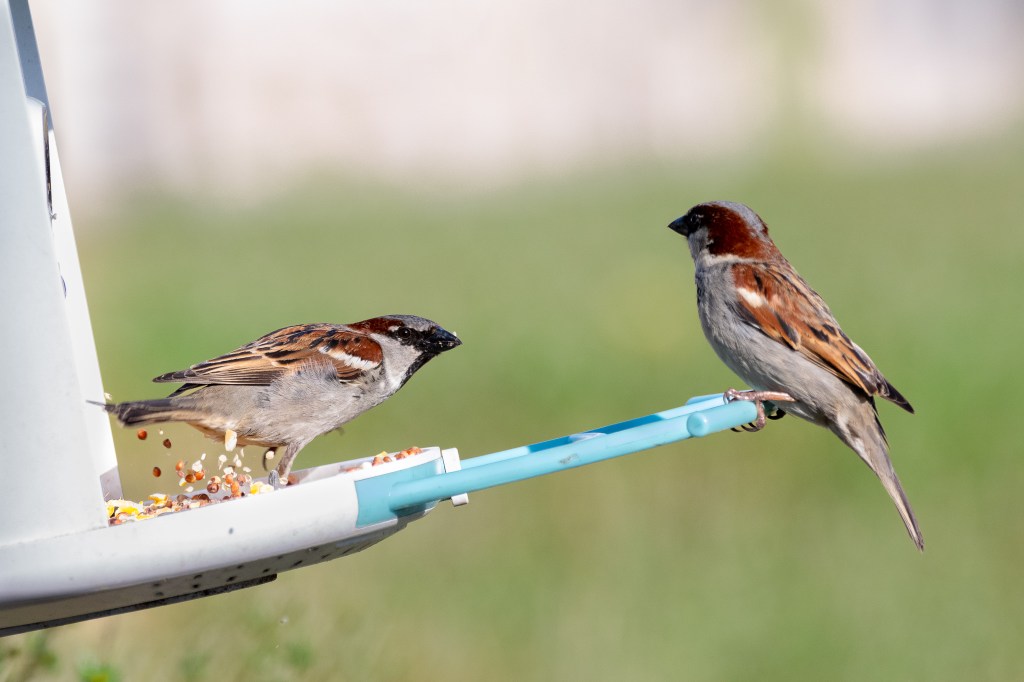
I’m also happy that this is a feature that didn’t exist on my camera when I bought it last year. This was delivered as a free software upgrade and it’s just fantastic. It’s a straightforward concept when you think about it – with on-sensor autofocus and subject detection why wouldn’t a camera be able to do this? However, Nikon is currently the only company with this capability at the moment. I’m certainly going to enjoy it!
 Relatively Ambitious