
I bought my MacBook Pro with a M2 Pro chip less than 2 years ago and I’m replacing it with a new one. Why? I’m trying out a new service called Upgraded, which is essentially the iPhone Upgrade program, but for Mac hardware.
Upgraded isn’t run by Apple, but it might as well be. It works exactly the same: purchase hardware and pay installments on a zero percent loan with the option to upgrade before paying the whole thing off. The cost is divided up over a 3 year term, with an upgrade available after 2 years. By paying monthly I can get a new machine every two years and can bump the specs a bit at the same time.
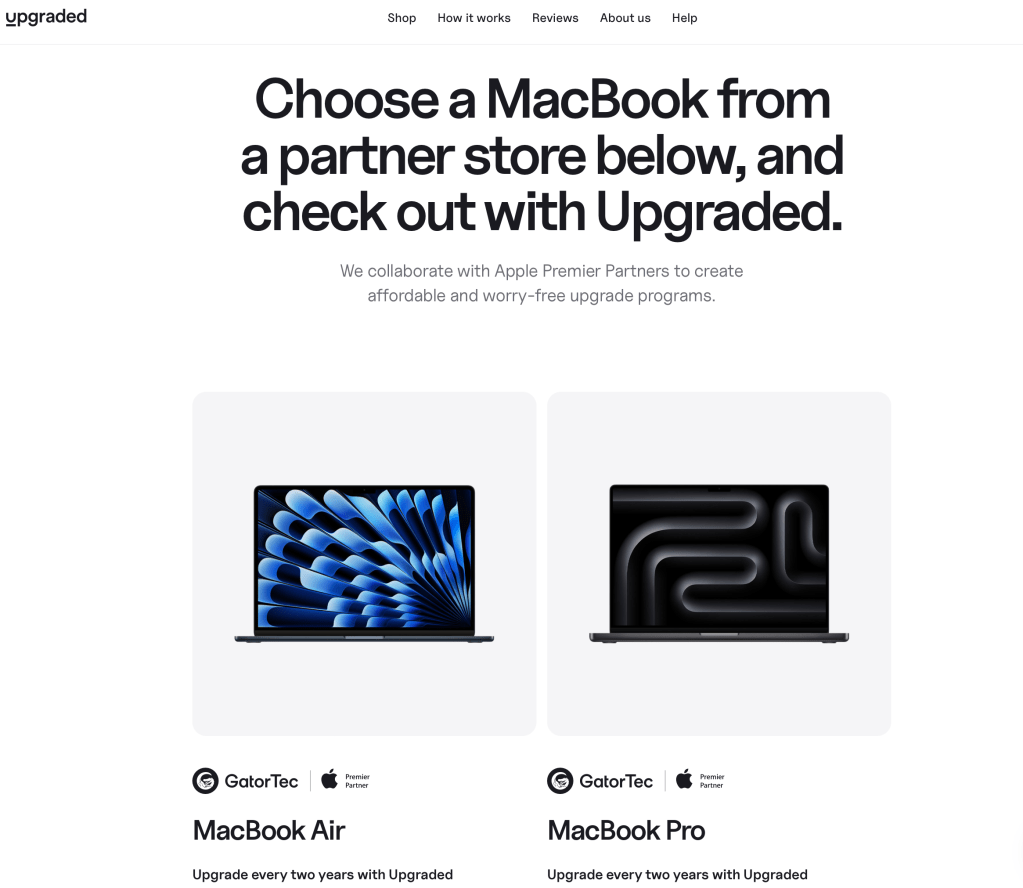
I found out about Upgraded over the summer and decided to keep it in mind for Apple’s fall upgrade cycle. As rumors of an October release approached, I started modeling out the costs of buying a new machine through the service. I modeled an M3 machine, but the pricing turned out exactly the same for the M4. For $138.28 per month I could get a 14″ MacBook Pro with a 16 CPU / 40 GPU core M3 Max chip, 48 GB RAM, and 4 TB storage. I’d pay that for two years (totaling $3,300) and then upgrade to what would probably be the M6 model.
Compare that to my current 14″ M2 Pro, which I financed for a year on my Apple Card: I paid $275 a month for a total of about $3,600. Through Upgraded I’d actually pay less for a machine with a higher tier CPU / GPU, more memory, and more storage. The total is similar, but by essentially leasing my computer I can get features and performance I otherwise would not be willing to pay for.
Specs
With the introduction of the M3, Apple restructured the Pro and Max versions of it’s chips. In my M2 generation the only major difference is GPU cores, with the CPUs performing exactly the same. In the M3, Apple differentiated by CPU cores as well. The M3 Pro included 12 cores in a 6/6 (efficiency / performance) configuration, which performed only about 7% faster than my M2 Pro. The M3 Max however, contained 16 cores in a 4/12 configuration. The doubling of performance cores results in a much more substantial 36% increase in performance over my M2 in addition to having more GPU cores. As Lightroom’s import process often takes up all of my CPU cores, it makes the Max a compelling upgrade.
The M4 Max continues this trend, and is about 80% faster than my M2 Pro in multithreaded workloads and about 40% faster in single core workloads. Its GPU is over twice as fast. Add to that other improvements to the GPU’s general performance and I should see some significant improvements in my Lightroom and AI workflows.
The M4 MacBook Pros share the same design as my M2, but there are a few generational upgrades I’ll get as well:
- A screen that’s 20% brighter than mine in normal light and twice as bright outdoors
- Thunderbolt 5, which can support 2 – 3x the bandwidth of Thunderbolt 4 (up to 120 Gbps) and up to 240W power
- An improved 12 MP camera with Center Stage that focuses on the subject as they move across the frame
- 50% more memory (48 GB up from 32 GB) introduced with the M3 generation
- The darker-but-still-not-black Space Black color option introduced with the M3 generation. Even though it isn’t PowerBook Black™, it does look really nice. Some of my coworkers have it and I’m definitely jealous.
I also opted to upgrade from 2 TB storage to 4 TB, which is a $400 premium. I upgraded from 512 GB in my MacBook Air to 2 TB in my Pro so that I’d have more room for photos. While that is definitely true, I still drop down to 200 GB free on occasion. An upgrade to 4 TB should address that… for now.
This configuration costs $5,000 that I’d be unlikely to buy on my own, but through Upgraded I can get it for basically the same price as my current machine. After two years I either upgrade again or continue paying the loan term. It’s the same as buying a cell phone from any carrier nowadays or leasing a car. Call it a subscription, call it a loan, call it rent-to-buy; it’s a way to get access to capabilities at a lower cost.
And what about my museum or having a computer to hand down to Sally? Well her computing cycle is much longer than mine, and she only needs an upgrade every 7 years or so. At that point whatever the current (or previous) MacBook Air is will be just fine. For my museum I only need a representative model of the design, and I’ll probably grab a 10-year-old M1 model for under $200 at some point.
The Upgraded Experience
Using Upgraded was almost exactly like buying directly from Apple. The interface looks like a clone of the Apple Store, from the layout to the selection process, which is a good thing. It was fast and easy to navigate. Signing up for the loan is the only part that differs, but even that is pretty streamlined, taking up a screen or two with minimal fields. All in all it took me only a few minutes to place my order.
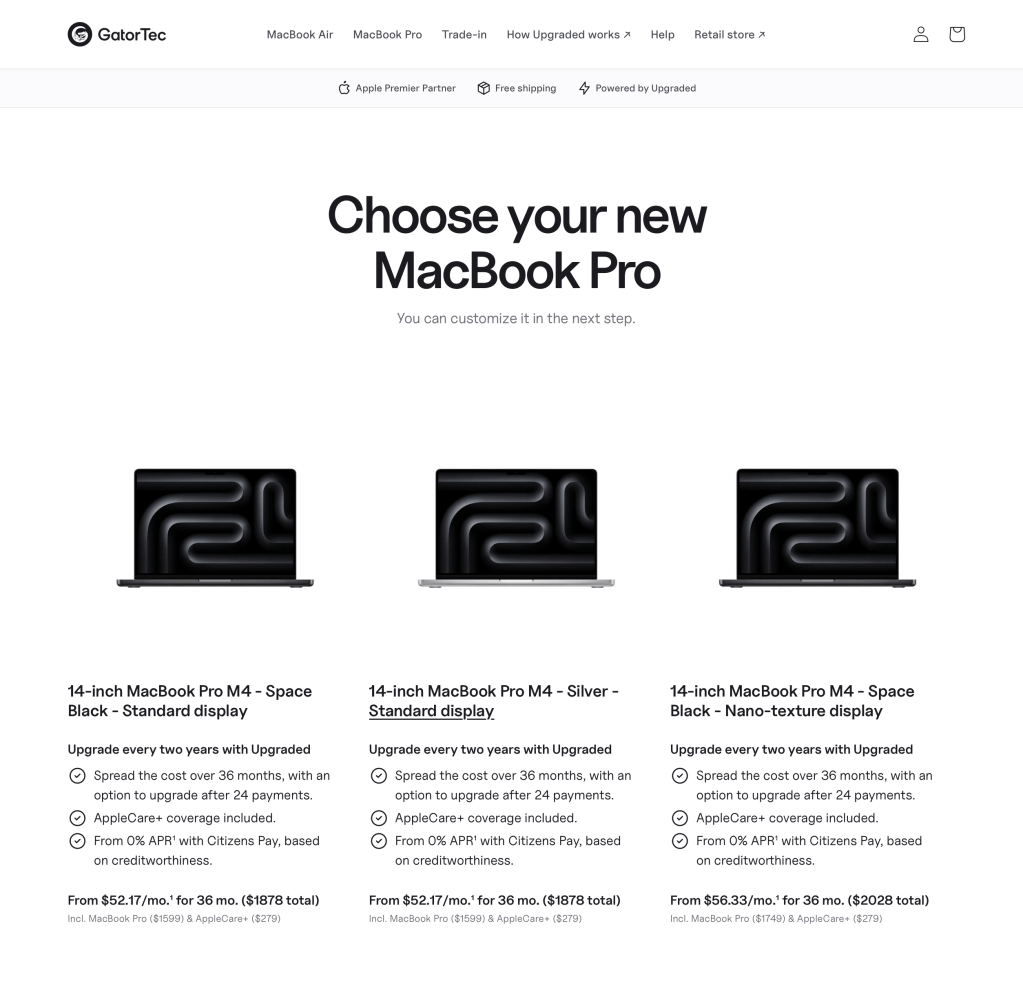
As Apple had just released the M4 MacBook Pros, there was a slight delay before I could order, or technically pre-order, mine. I checked the Upgraded site after the announcement and found a message stating that orders would be opening soon. By the end of the night orders were live. Since this was a pre-order, the site noted that it would ship directly from Apple and listed a delivery timeframe of 3 – 8 weeks. The range was broad since they don’t have insight into Apple’s preorder volume and actual shipping times. I didn’t expect to receive my order on November 8 due to the customized build, but I also didn’t expect it to take a full 8 weeks.
November 8 came and went with no order delivered. I wasn’t surprised. Upgraded didn’t have any info other than that the order had been placed with Apple. Without direct access to it, I hopped on Apple’s website and configured the same machine to see what the shipping time would be. Delivery estimates were out in the November 22ish range so I set my expectations around that date.
I received a nice email from Upgraded’s CEO on November 10 confirming that they didn’t have a delivery date but were working with their distribution partner to get one. It also said the latest shipping estimate they had seen was 11/26. Not any better than what I found myself, but the email was thoughtful.
I received another email two days later with an updated estimate of 12/19, over a month away. The CEO explained that there were different manufacturing runs at the factory that differ based on whether the orders are directly from Apple or from a third party reseller. He also explained that I could not cancel my order because Apple does not allow cancelation of custom orders and Upgraded would be left with the tab. Good thing I wasn’t on a deadline 🙂 He promised to continue working directly with Apple to see if they could pull the dates in at all.
And they did. On November 20 I received another email stating that my machine was shipping from China and would arrive in the U.S. for further shipment on 11/24. I received a shipping confirmation and received my fancy new Mac three days later on Monday November 25.
Final Thoughts
At the end of the day I received my MacBook Pro only a few days later than I would had I bought it directly from Apple. The communication from Upgraded was frequent and detailed, and something I didn’t even expect given the initially large delivery window provided. I’m happy with my experience so far – they were honest and communicated well.
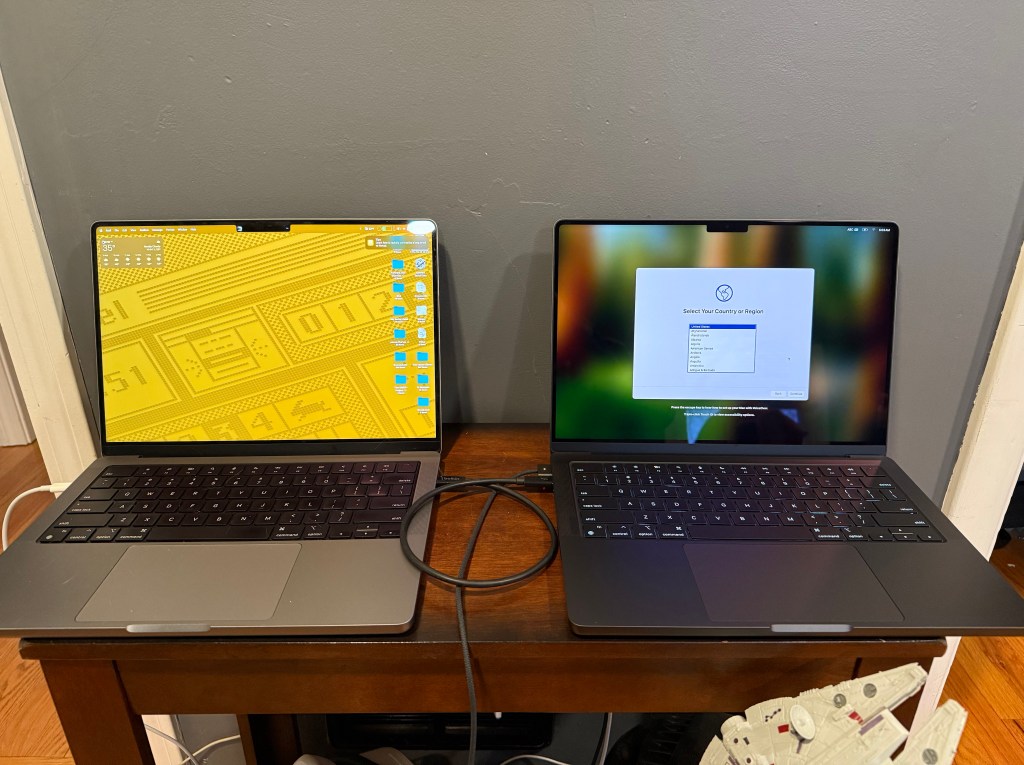
I’m excited to try out the rent-a-Mac plan. I’ve got a super high end machine that should tear through Lightroom and provide more space for all my stuff. The proof will be in the pudding when I go to return it and discover how picky they are about regular wear and tear. It does have Apple Care so I can get it repaired if I run it over or something. At this point I’m happy and would easily recommend Upgraded to anyone looking to lease a Mac.
 Relatively Ambitious
One Reply to “”