
I’m a nostalgia junkie. I get a high revisiting things from the past, things that I’ve owned, but also things I didn’t. I’m a technology junkie which manifests as my Mac Museum but I’m also a photography junkie, which more recently has manifested as a small camera museum. It used to consist of the first few iterations of Nikon’s DSLR heritage and expanded it last year to include some Canon DSLRs as well.
Digital SLRs occupy a unique intersection between technology and art that I really enjoy. I can read about the specs, learn the history, and then use them to create art. I enjoy using older DSLRs on occasion because it helps me appreciate how far we’ve come. It’s also restrictive and can make me more creative.
I was a Canon shooter until 2016 and regrettably sold all of my equipment when I switched to Nikon. In hindsight it wasn’t worth it and I’d like to revisit the brand. I owned a Canon 50D, later upgrading to a 7D and have been itching to get them back into my collection. When I looked at 7D’s last year, they were more expensive than I was willing to pay, so I decided to explore their lineage a little and came across a 30D.


The Canon 30D is the 8 MP two-generation predecessor to my 50D. I paid $60 on eBay for it with two lenses. It’s in ok shape; it’s definitely seen its fair share of use and has scuffs, a missing port door cover, and a sometimes-stubborn shutter button, but is otherwise in good condition for its age. All the other buttons are smooth and work correctly, the screen is in good condition, the LCD backlight works, the sensor is clean, and it takes photos just as it did when it was new. The lenses, well, we’ll get to those in a different post.
Specs
The 30D was released in 2006 as Canon’s fifth prosumer camera. It cost $1,399 body only. It uses the same 8.2 MP sensor as its predecessor, the 20D, and has the same 1.6x field of view crop that “zooms in” or “crops” lens focal lengths. Its sensor is built on the same CMOS technology Canon had been using since its first DSLR released in the year 2000, setting it apart from the power hungry and expensive CCDs of its competitors.
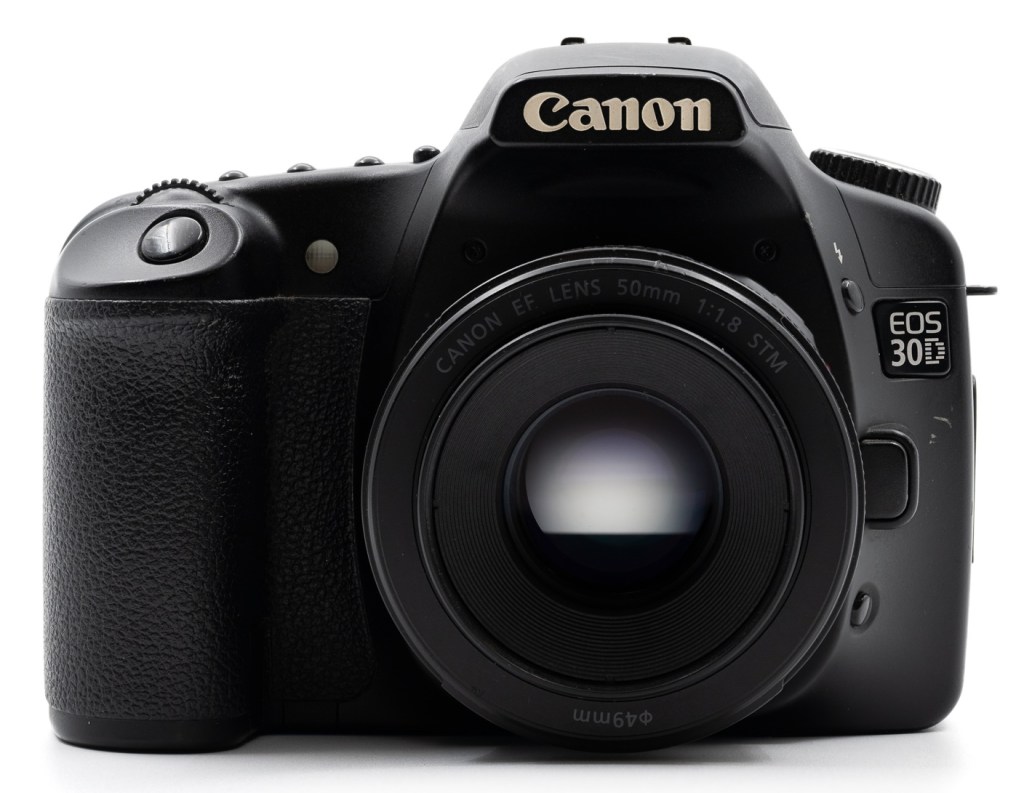
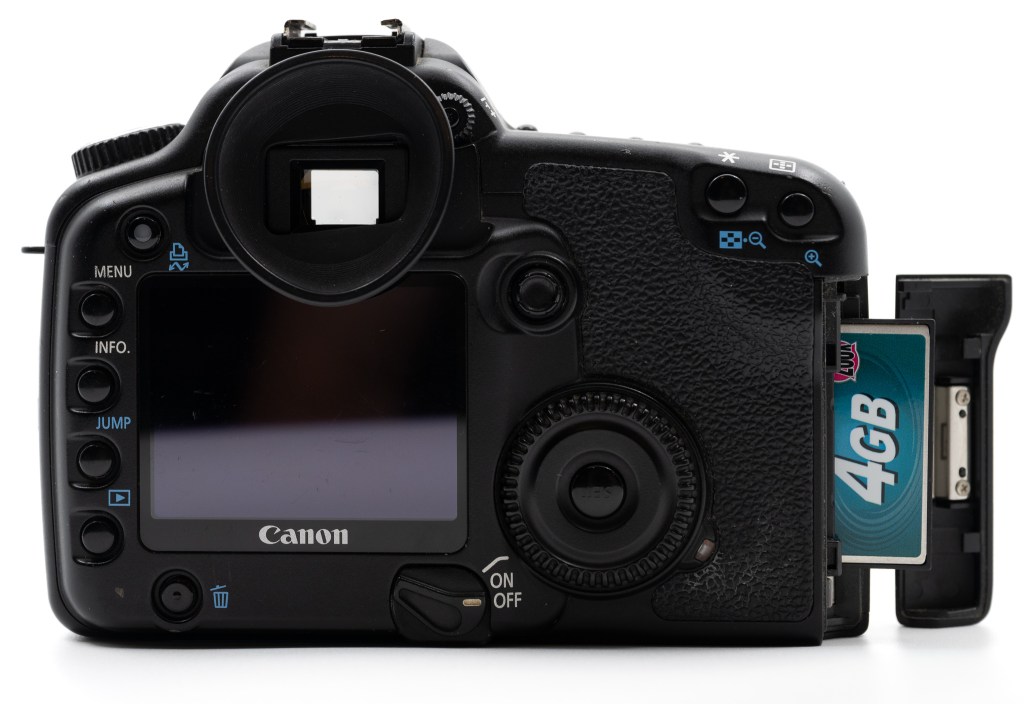
It has nine autofocus points that can be selected with a joystick or automatically and shoots 5 fps for up to 11 RAW or 40 JPEG images to a single Compact Flash card. It has a 2.5” 320 x 240 pixel screen on the back for image review and configuration, but pre-dates live view and video recording by several years. It supports Canon’s crop-only EF-S lenses as well as full frame EF lenses.
Design & Handling
It’s amazing how much the 30D looks like a modern Canon DSLR. It has the same shutter button, the same four buttons above the LCD, the same autofocus selection and asterisk buttons in the same locations, buttons down the left side of the screen, and the same, beautiful quick control scroll dial on the back with a set button in the middle. Even the front and back grips are similar. If you’ve ever picked up a Canon DSLR, old or new(er), you’ll quickly be at home.

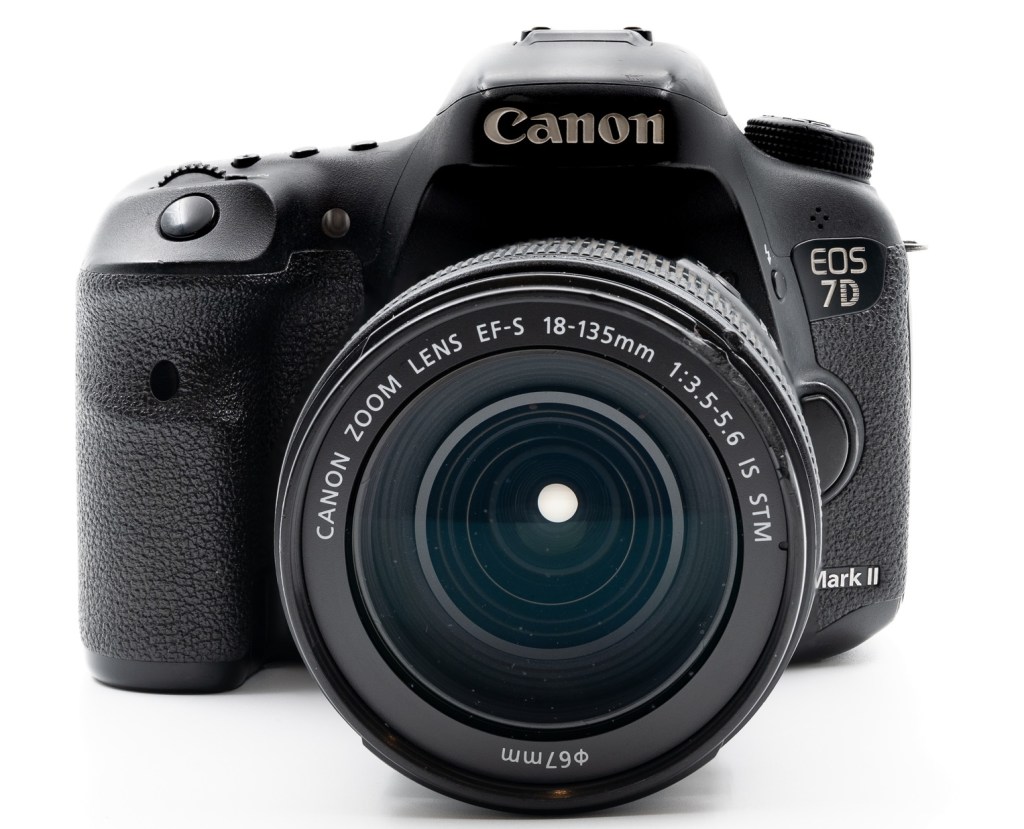


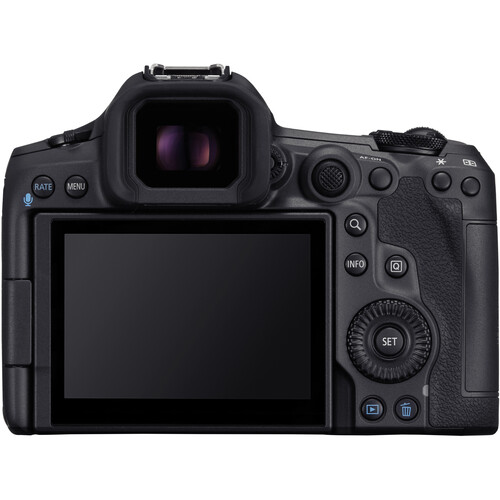
As soon as I picked it up I was taken back to my Canon days, even though it was older than my 50D. My thumb quickly found Canon’s best ergonomic feature – the quick control dial, which is perfectly located and sized on the back for a quick flick to change shooting settings and scroll through images. Sony has it too, but they are tiny by comparison and not as satisfying. While I prefer many of Nikon’s ergonomics, the quick control dial is the one thing I’ve constantly missed, sharing similar sentiments in my Canon R5 review.
What isn’t the same is the menu system. The 30D uses Canon’s original style menu that goes all the way back to its first DSLR, the D30, released in the year 2000. It’s a simple affair with no colorful horizontal tabs, multiple pages, or fancy animations. It’s just a single scrolling list with three color-coded sections. The Custom Function menu is very, uhhh, binary, showing the custom function number as well as the option chosen, indicated by a 0 – 3.
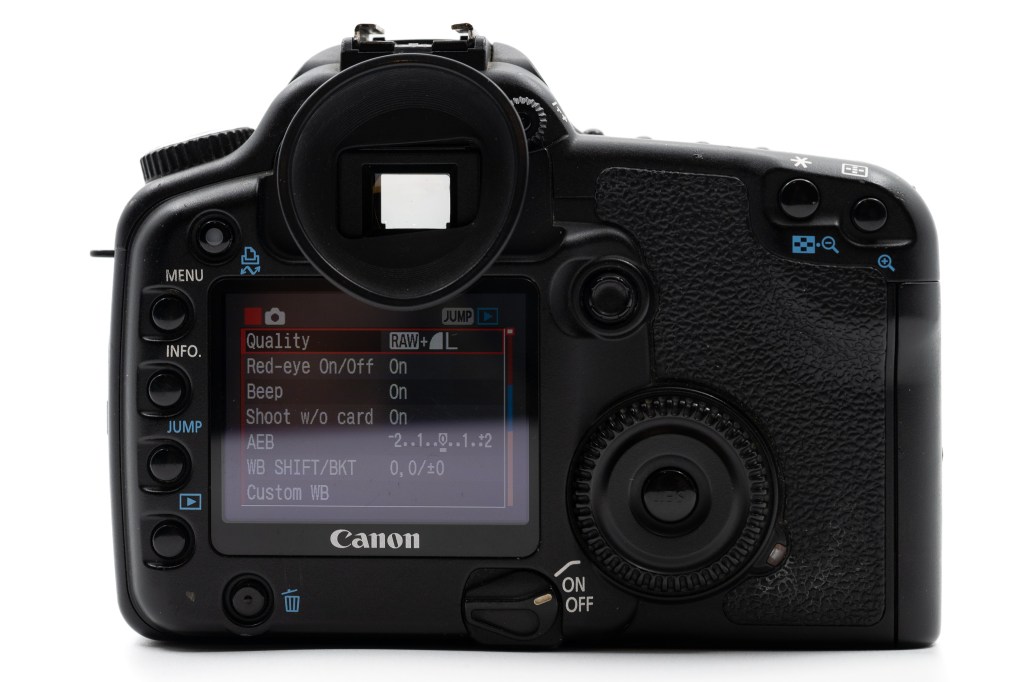

Highlighting an item describes it in detail and allows it to be set, but the layout is very unfriendly. While tabs came to Canon’s menu interface with the 40D, the odd custom function interface persisted through 2013’s 70D, though it was broken up over multiple pages. I remember thinking it was an odd UI that looked like it was designed by a programmer on both my 50D and 7D. Canon’s UI significantly lagged Nikon, which had a form of tabbed menus since it’s first D1 DSLR released in 1999.
Even though it has 9 autofocus points, moving between them is slow, so it’s best to stick to the center one and recompose. Once you’ve got that down, it takes pretty good photos. Its ISO range only goes up to 1600 natively and there is no auto ISO, so indoor photos tend to be a bit grainy but not terrible. It luckily supports RAW + JPEG output, making this review easier.
What is terrible is the screen. At the time it was considered by DPReview as “much larger” with its 2.5” diagonal and 320 x 240 resolution. That’s small by today’s standards, but it’s the resolution and color that are the worst. The resolution is so low that it’s only useful for checking exposure; checking focus requires zooming in. At least on my copy color also looks dull, giving the images a desaturated brown look that they don’t have in RAW or even JPEG output. At first the color tricked me into thinking the images were going to look a bit analog, but it was just a bad screen.
I’ve used it mostly with two lenses – a Canon EF 28-105mm f/3.5-4.5 USM II (circa 2000) and a Canon EF 50mm f/1.8 STM (circa 2015). Both work very well and focus very fast, the 28-105 incredibly so. What surprised me the most is that the 50mm works without any issues even though it has an STM motor and focus-by-wire, neither of which existed when the 30D was released. I’ve also been writing images to a microdrive1 which kind of blows my mind.
Image Quality
There is a lot of nostalgia going on right now for cameras that have the “CCD” look because it’s supposed to be more “filmic”. With the exception of a couple cameras, I don’t really see that. It’s more about the JPEG processing engines in those cameras and a nostalgic love for their shortcomings. If you look at RAW images, all bets are off because the “look” is largely determined by the software which processed the file. That said, the 30D is not a CCD camera anyway and while they definitely have a look to them, its JPEGs don’t seem that special.


The RAW files look great though and still allow for a wide range of editing in post. At the default Standard setting JPEGs are certainly darker with higher contrast, crushing blacks, adding color noise, and creating blocky artifacts. The example above shows the JPEG output of a dark image next to its RAW version. The JPEG version is very dark, it’s a bit blocky, there is color noise, some of the detail is muddled, and the white balance is very blue. The RAW image (right) shows much more fine detail, better shadows, and less noise, even when processed to taste (below). It also displays a different color balance even though it was taken in RAW+JPEG mode and has the exact same white balance reading (which I did not change).

I’m not knocking anyone who is likes the output of the JPEG engines of these older cameras as the flaws do produce a certain look; I’m just showing that there isn’t anything particularly special about the 30D’s sensor hardware or the RAW images that come out of it. Any nostalgic feelings are caused by the JPEG engine and its settings.
This isn’t any different, in fact, from shooting my Z8 in JPEG mode with one of its camera profiles.

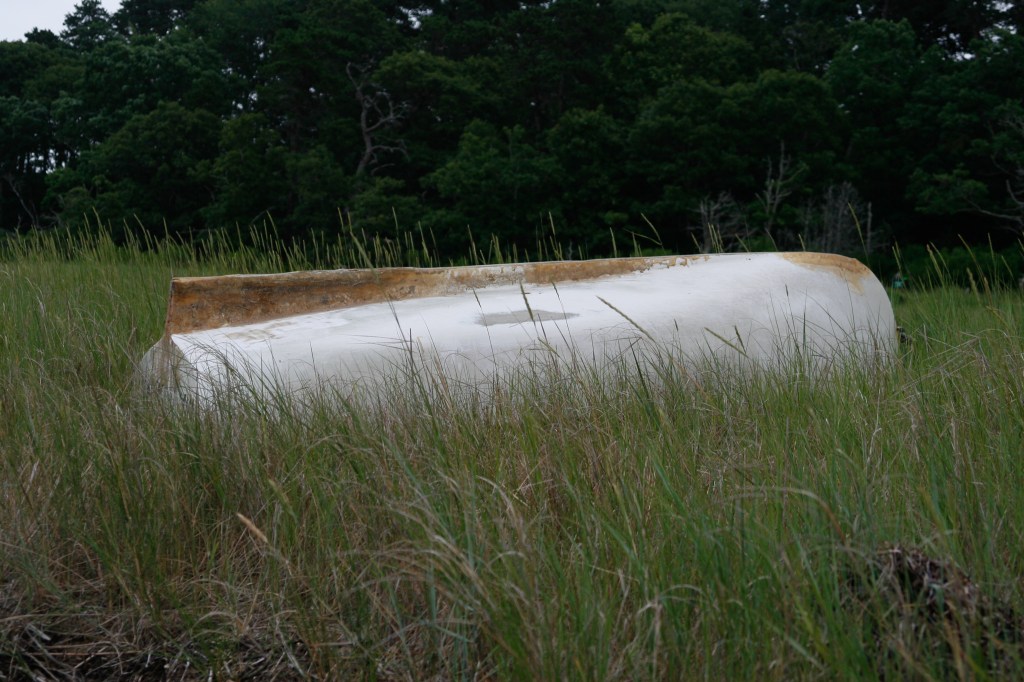
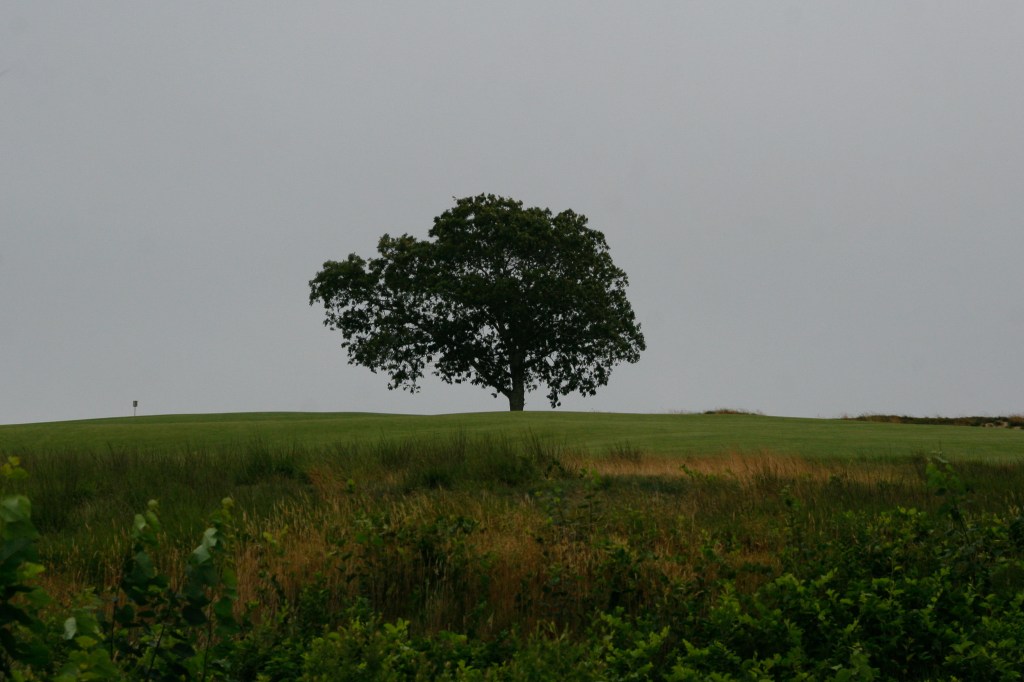
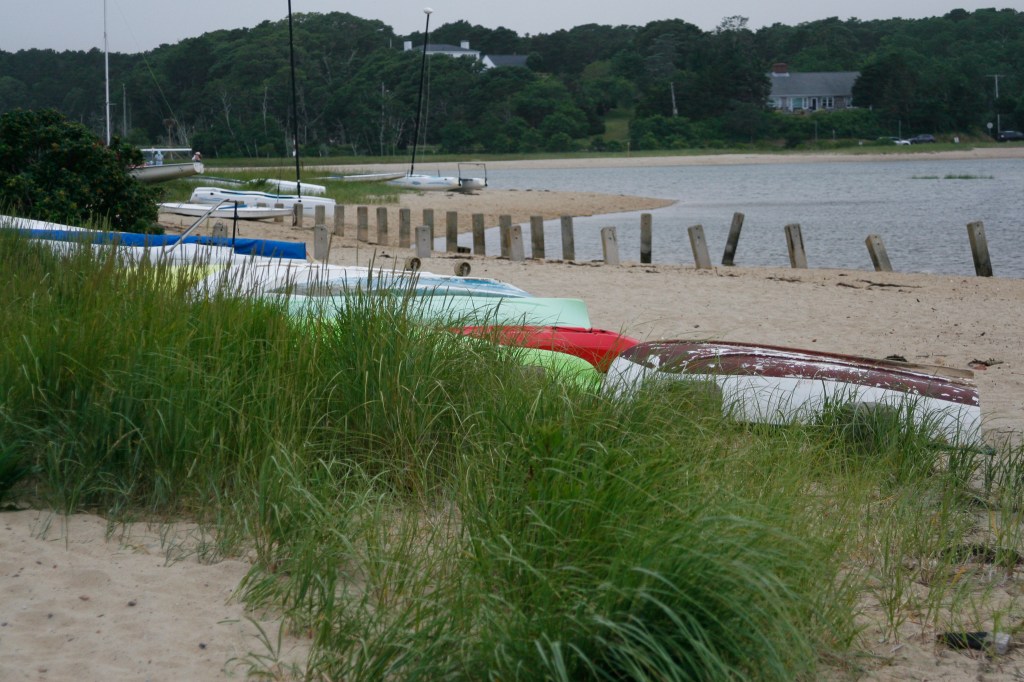
Overall the photos are good. At 8 MP they are a few horizontal pixels short of 4K, which means this camera can still fill the screen of most laptops, tablets, phones, and certainly social media. The detail within the images, especially the RAWs, is very good. We’re not talking 45 MP or 24 MP Nikon level detail, but certainly not bad for a camera from 18 years ago.
Modern Amenities
While the image quality of a 19 year old 8 MP camera cannot match today’s hardware, the advent of AI-based tools can certainly keep it competitive. The 30D is limited to a maximum ISO of 1600 which can result in pretty grainy images but luckily they clean up very well in AI-based noise reduction solutions. Super resolution tools can also be used to upscale them with reasonable quality to 24 MP or higher. There’s no replacement for higher resolution, but AI upscaling fills in the gaps if they need to be displayed or printed at a larger size.


Conclusion
Overall it’s a pretty good camera, even now. It’s compatible with current EF lenses, it focuses well (in the center), it has enough resolution for desktops and social media, the images are crisp, and I didn’t have any major metering problems. The controls are familiar and easy to use and it’s built well. It’s certainly not a sports or action camera, but it could handle at least 50% of the things I do. For static subjects I can without live view and video. Would I trade my 45 MP mirrorless Z8 for it? Absolutely not. But it was a really fun way to get back into the Canon ecosystem and remember what it felt like. I might even use it on occasion just for the challenge.






















- A micro drive is a tiny hard drive that fits into the thicker Type II version of a Compact Flash card. They came on the market in the late nineties and offered more capacity at a lower price than flash memory in exchange for slower performance. ↩︎
 Relatively Ambitious
One Reply to “”