

The AI-generated image for this post was created by WordPress based on the content of this article. It’s terrible but also hilarious.
In between the hustle and bustle of the end of year, I was able to make some upgrades at our house over the holidays.
Smart Light Switches
We’re moderate users of smart devices. We have Amazon Echos in our bedrooms and family spaces, a smart doorbell, exterior cameras, a connected security system, a connected fire alarm, and wifi in our garage door openers. We have a few Hue bulbs and some smart outlets as well. We don’t have any crazy routines that automatically open our garage doors, shut off our security system, turn our lights, and play romantic music when we come home, but we do have some basic timed routines for lighting.
Most of our lights are traditional bulbs controlled by traditional switches because I didn’t want to manage a million individual smart bulbs and didn’t want to be dependent on an app or voice command every time I wanted to turn them on or off. What I really wanted was the convenience of connected bulbs and traditional light switches without being tied to one smart light vendor or sticking duplicate wifi remotes all over my walls.
Jimmy Lutron to the Rescue
I was content with our mostly-traditional lighting, but was interested in someday installing smart light switches that could control our regular lights. I’d want something that acted like a regular switch when you pressed it, but allowed voice commands, routines, and app control as well. I learned about Lutron Caseta Diva dimmer switches on a podcast and installed them in most of our rooms over the holiday.
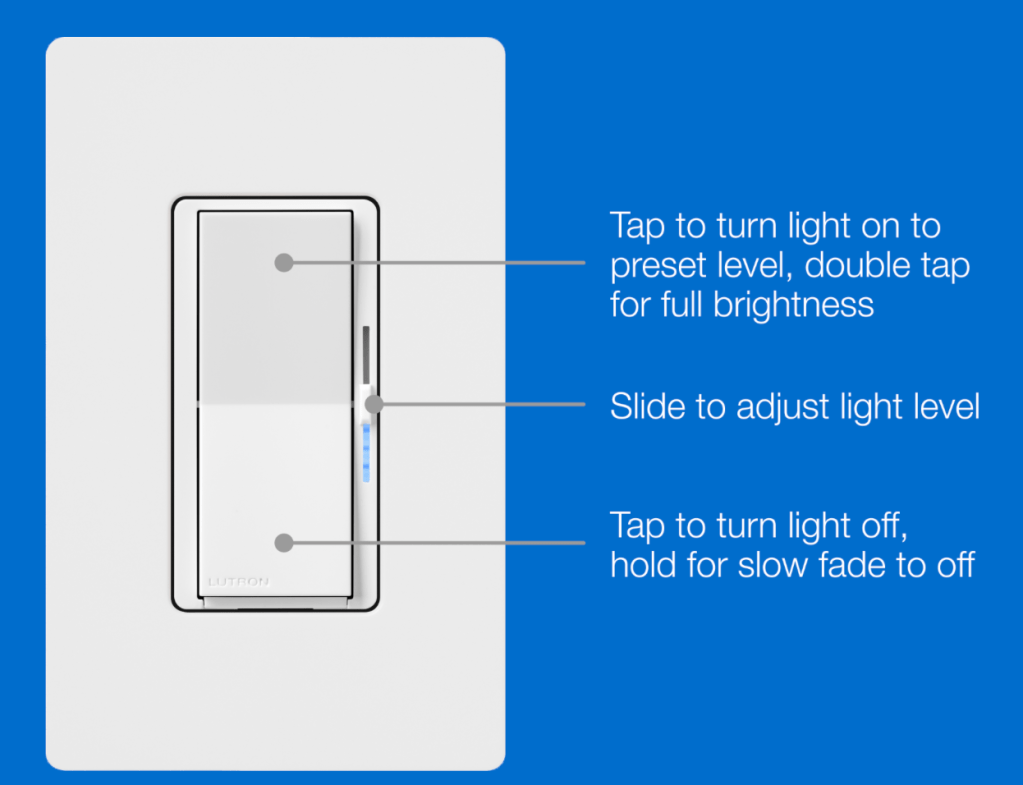
They were on sale for $65 each around Black Friday and were installed in eight areas of the house – every common room, our bedroom, and our two hallways. We skipped the bathrooms and the boys’ rooms since they’re low traffic. The switches were mostly straightforward to install except for a few scenarios where our weird wiring almost got the best of me. I had to purchase two Lutron Accessory switches to deal with the triple-switch setup in our upstairs hallway, for example. Luckily they don’t require a neutral wire, which simplified things a bit. It took a few days and occasional frustration, but everything installed and nothing exploded.
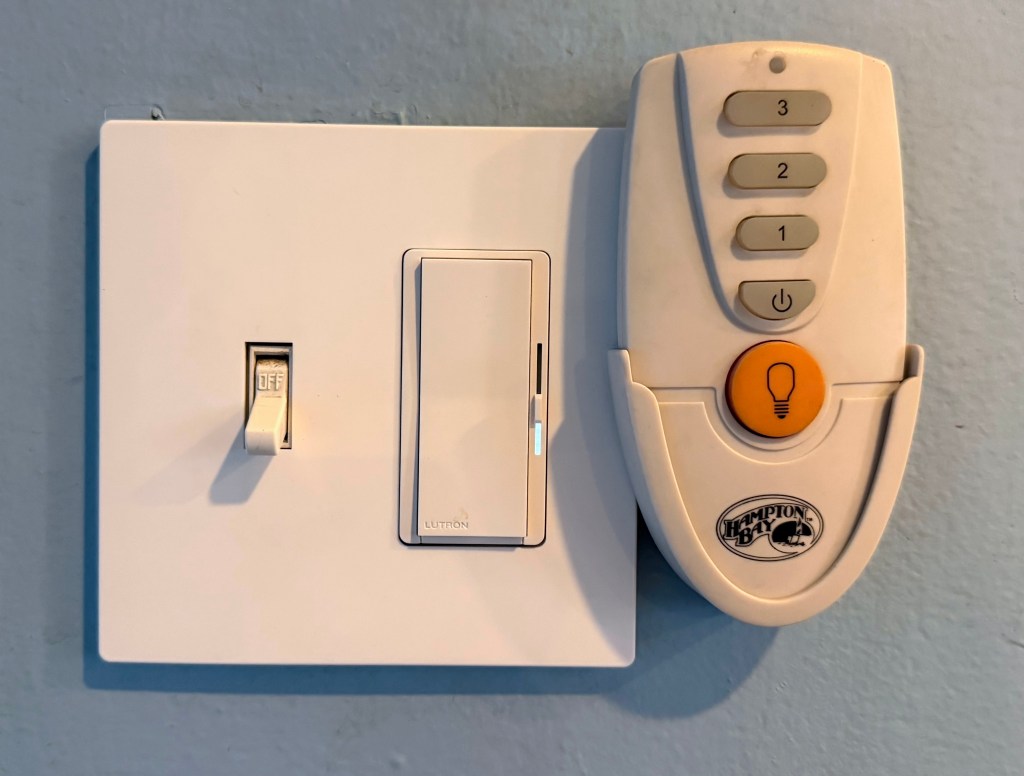
Lutron Caseta Diva switches are available in dimmable and non-dimmable versions; I purchased dimmable ones because they were cheaper on sale than the non-dimmable switches. As a result (and after some bulb swapping), we have dimmable lights in our two hallways and mudroom. This isn’t something I would have ever done intentionally, but its actually nice – we normally keep them at about half brightness, matching what they were before, but can boost them if we need to see into some of our unlit closets or dim them low in the evening while still providing safe lighting.
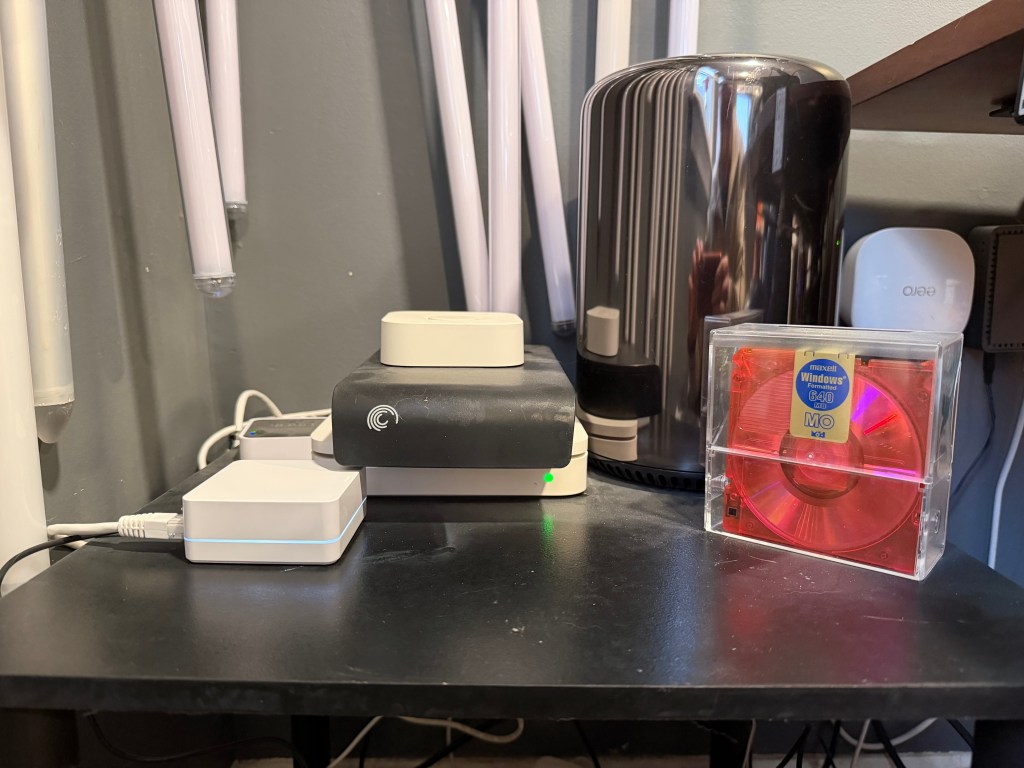
The switches work without a hub as regular switches and can be paired with remotes if you’d like to control them from other parts of the house or from your pocket. With a hub they can connect to Alexa, Home Kit, and other systems. Ours are integrated with Alexa and are tied into routines. We turn on the living room and kitchen when we say “I’m home” and turn them off with “I’m leaving”. We dim the living room lights with “TV time” and turn all of the lights off with “good night”. I spent a fair amount of time in the Alexa app setting it up, but it was worth it for these easy commands.
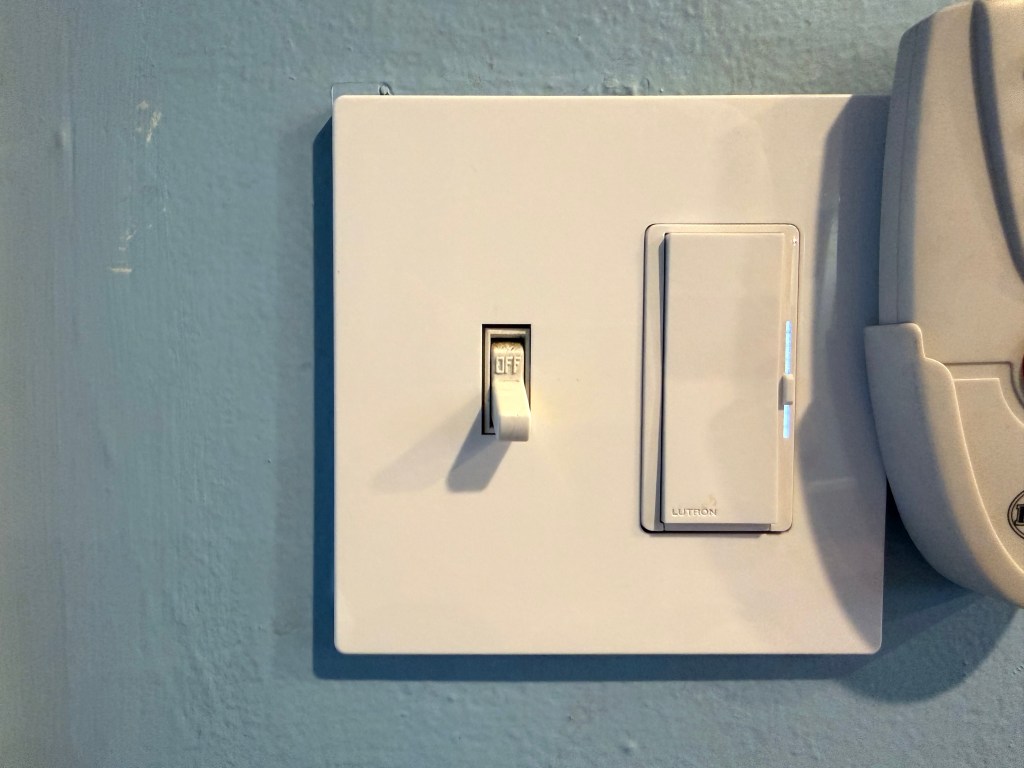
The dimmer features of the switches work well too. Each switch has a physical brightness slider and LEDs that indicate the brightness level. When the switch is pressed, the lights use the brightness indicated by the switch and the LEDs illuminate up to the slider position. If the brightness is later changed through the app or Alexa, the LED displays that brightness, even if it goes above or below the physical slider. If you touch the slider, the lights revert to the slider position. If you double press the on side of the switch, it jumps to full brightness. The physical and digital components work in perfect tandem, just like I wanted.
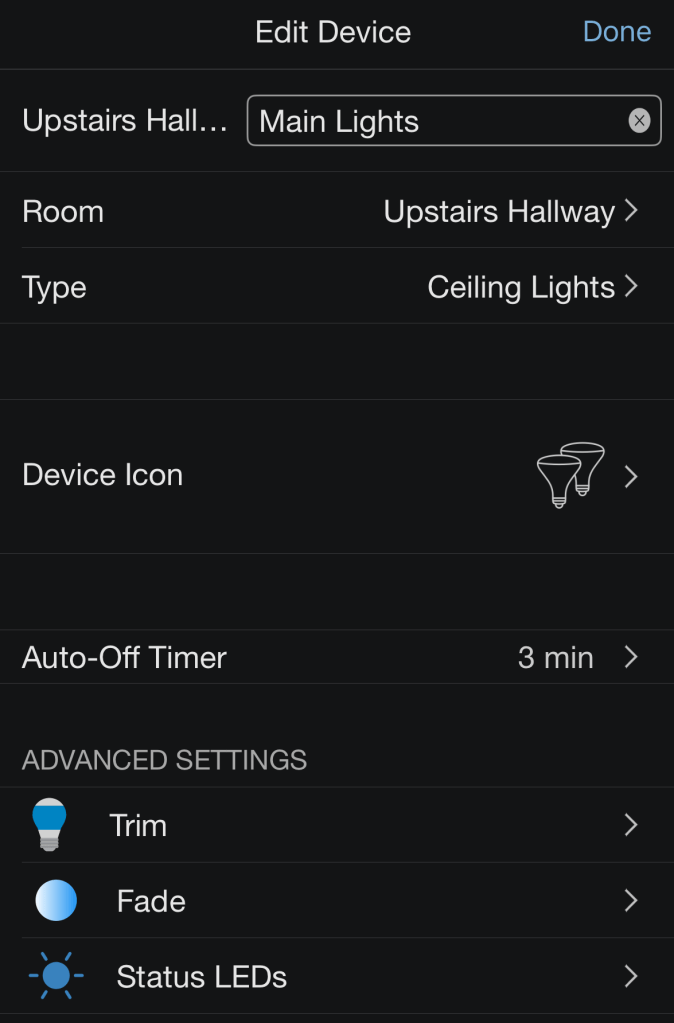
The Lutron app provides additional customization for each switch. The minimum and maximum brightness can be set if you want to limit how bright a room can be or if you want to make it dim real low. Timers can also be set on each switch, which has been really handy for our hallway lights that seem to always be left on. I set each to a 3 minute timer and it’s been working well. Finally, the lights can be faded on and off at varying lengths, reducing eye strain if desired.
I’m very pleased with these Lutron switches. I don’t have to buy, manage, or get locked into a bunch of individual smart bulbs, I can use regular switches like a regular person, and I can automate my lighting and control it conveniently with my voice. Awesome all the way around and totally worth the investment.
Kohler Faucets
We’ve been planning to remodel both of our bathrooms for several years now, and this aspiration has prevented us from replacing faucets that were beyond their useful life. One was corroding away and the other leaked out of the cold tap when running. We finally decided to do something before these big remodels we can’t seem to commit to. We found some modern Kohler faucets at Home Depot and I installed them over the holiday.
I don’t love installing faucets because our cabinets are tight and I’m not flexible. It’s difficult to get my hands up behind the sinks to attach the water taps and our drains aren’t the most well-plumbed. I thought our downstairs bathroom would be the most difficult because it had the least space, and while it wasn’t great, our upstairs bathroom was worse. It turns out that having two doors under the sink makes it much easier than having just one. Overall I spent more time than I intended, learned how to re-plumb a drain pipe, and used more silicone caulking than I ever expected, but both faucets are installed and don’t leak.
They both look modern but fit in with our existing decor. One major benefit that I didn’t expect is that they have spring-loaded drain stoppers that don’t use an annoying control rod. You just press on the drain and a spring clicks it into place to stop the sink. Press again and it springs open to drain. This design is also great because the stopper can be pulled out easily for cleaning. No more stinky, slimy gunk build up in the drain that requires disassembling the plunger mechanism to clean. It’s great!
Vanity Lights
I installed new lights and a mirror in our downstairs bathroom when we moved into our house… in 2008. Over the years the light fixture has taken a beating, rusting from the daily showers of two children. We found a new one at Lowes and I installed it over the holiday after the light switches and faucets.
The new fixture had a smaller base than our old one, so I had to fill some screw holes and paint before putting the new one up. Installation required creativity as our house, of course, didn’t match the configuration assumed by the instructions. It expected to be screwed into a light fixture box with the wires neatly threaded through. We just had a hole in the sheetrock with wires sticking out. I had to use drywall anchors to secure the fixture’s mounting plate and a dremel to shorten the mounting screws to keep it flush to the wall.
Even after my “customizations” it isn’t perfectly flush against the wall and tilts side to side if you touch it. The tilting turned out to be a feature instead of a bug when I realized that the fixture was too close to the top of our mirror and you couldn’t install the bulbs without tilting it. Ooops? Either way, it’s up and looks fine as long as nobody touches it and there are no earthquakes.
That’s It!
I’ve installed a lot of light switches and outlets in this house over the years, so I’m ok with basic wiring. I’ve replaced faucets too but I hate plumbing, so I’m glad that part is over. The bathroom updates should hold us until our remodels and we’re already getting a lot of use out of our smarter lights. Overall very successful.
 Relatively Ambitious